


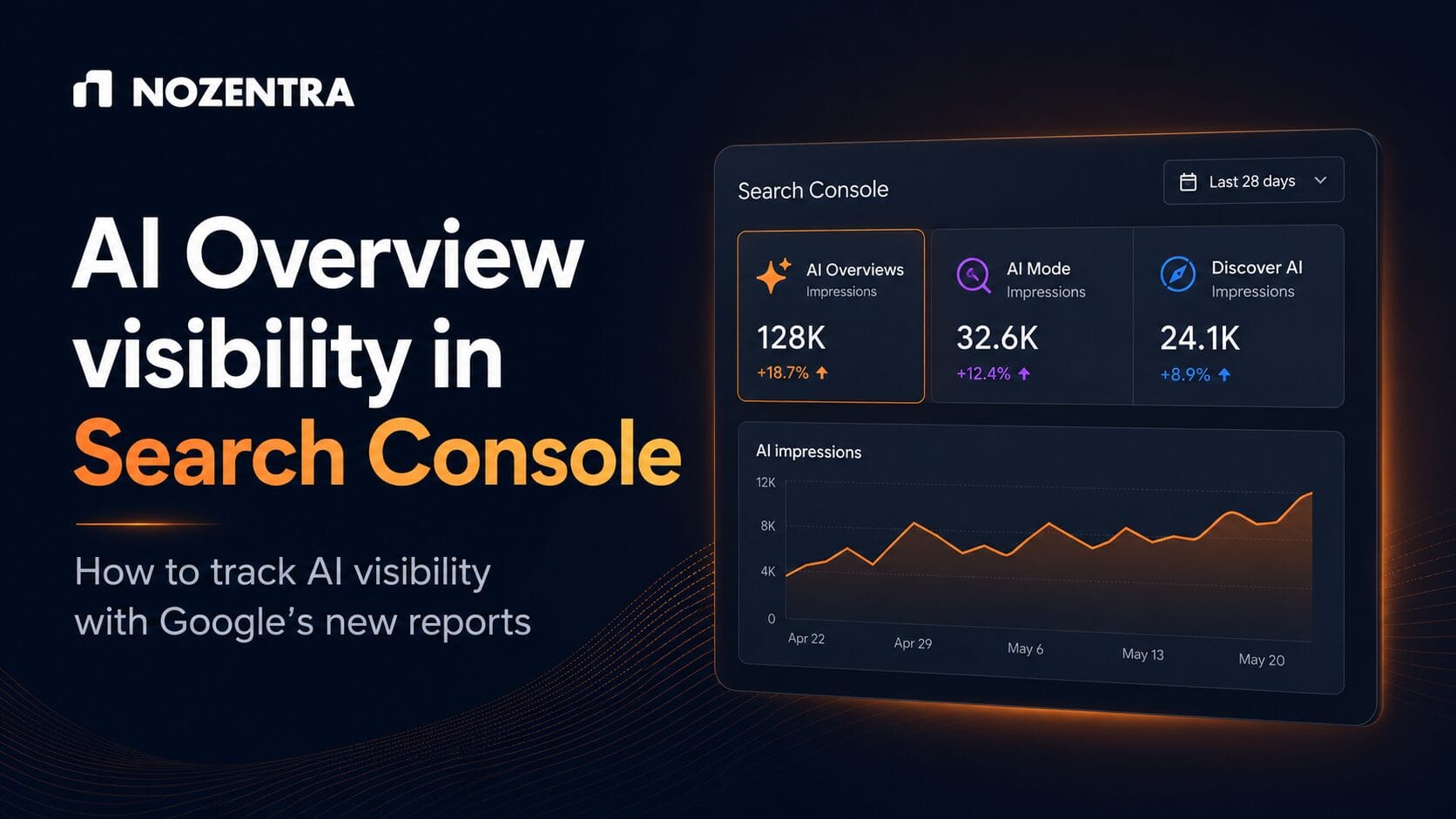
Google added a dedicated Search Console report on 3 June 2026 that shows how often your pages appear inside AI Overviews, AI Mode, and Discover’s generative AI features. The report currently shows impressions only, not clicks, so it confirms visibility, not whether that visibility is sending you traffic. This guide explains what the report includes, what it leaves out, and how to use it without overreacting.
Key takeaways
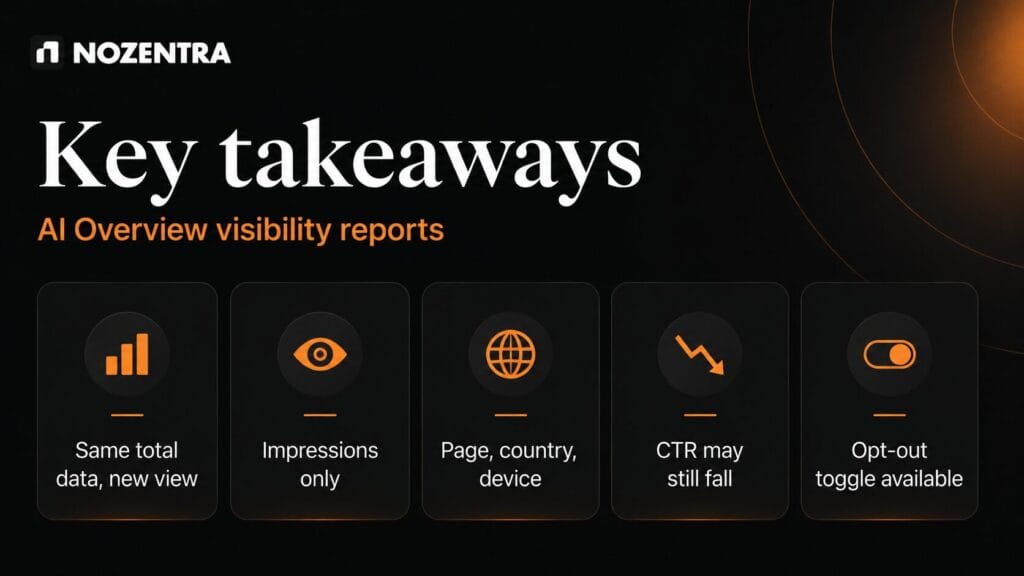
- The report is a breakout of data you already had. Google has confirmed your total Search Console numbers have not changed, only the view.
- It shows impressions by page, country, and device, but no clicks, CTR, or query data yet.
- Rollout is phased, with UK properties among the first to see it. Most other markets are still waiting.
- Independent analysis suggests organic CTR on queries that trigger AI Overviews has fallen sharply, so more AI impressions do not automatically mean more traffic.
- A new toggle lets site owners exclude their content from AI Overviews, AI Mode, and Discover’s AI features entirely.
Why this report matters now
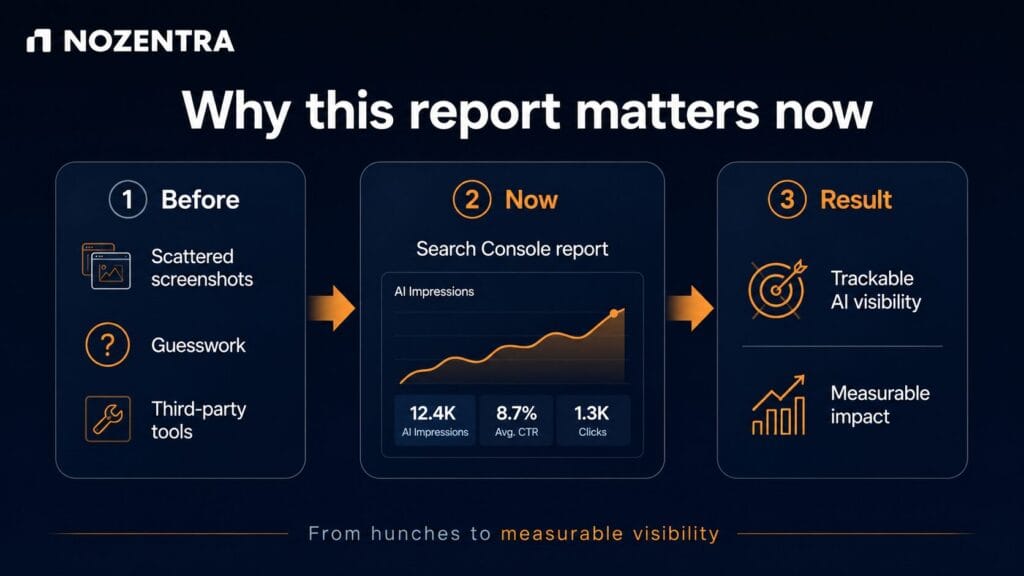
For two years, conversations about AI Overview visibility ran on guesswork: third-party tools, sampled data, and screenshots shared on LinkedIn. On 3 June 2026, Google gave site owners a primary source built directly into the Search Console interface most teams already check daily. That turns AI visibility into a line item that can be tracked and reported on, rather than a hunch.
For a business whose organic traffic looks flat despite stable rankings, this report is the fastest way to check if AI features are quietly absorbing clicks that used to land on the site.
What the report actually shows
Google splits the data into two views: generative AI features within Search (AI Overviews and AI Mode combined) and generative AI features within Discover, reported separately. Both track impressions with breakdowns by page, country, and device, across hourly, daily, weekly, or monthly ranges.
| Included in the report | Not included yet |
| Impressions in AI Overviews and AI Mode | Clicks or CTR from AI answers |
| Impressions in Discover’s AI features | Query-level data |
| Breakdown by page, country, and device | Per-link position inside an AI answer |
| Hourly to monthly date ranges | Visibility on ChatGPT, Perplexity, or other AI platforms |
Google has also said all links inside a single AI Overview share one position, so a per-link rank inside an AI answer isn’t something you can optimise toward directly.
Is a rising AI impression count good news
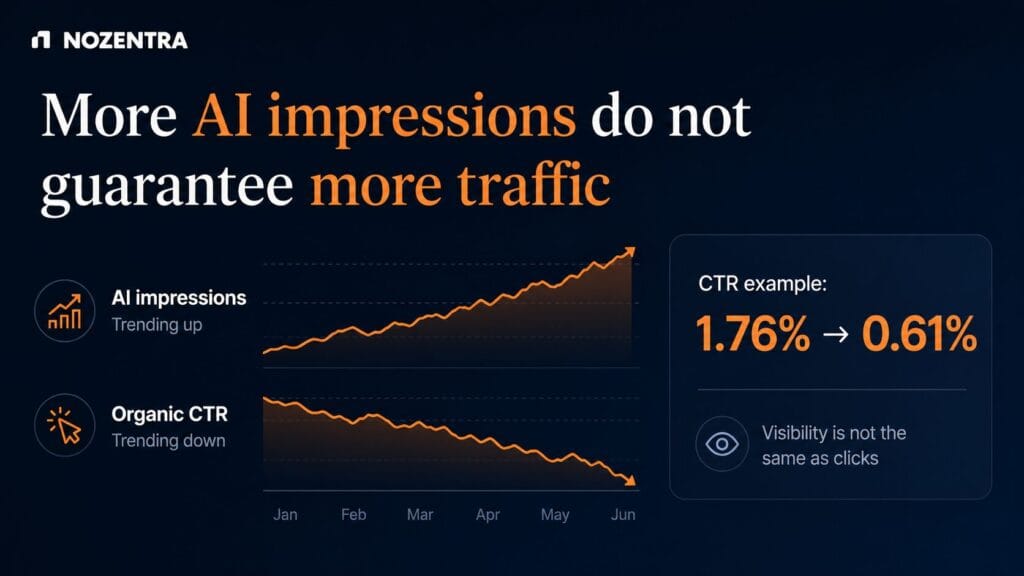
Not necessarily on its own. Google has confirmed AI impressions were always folded into your aggregate Search performance numbers, so the new report separates a figure you already had rather than revealing new visibility.
More importantly, appearing inside an AI Overview does not behave like a normal ranking. Independent research from Seer Interactive, cited across multiple industry outlets, found that organic CTR on queries triggering AI Overviews dropped from roughly 1.76 percent to 0.61 percent, a fall of about 65 percent against comparable impression counts. A page can gain AI impressions and lose clicks at the same time. Treat the new report as a visibility metric, not a performance metric, until Google adds click data.
How Nozentra reads this data during an audit
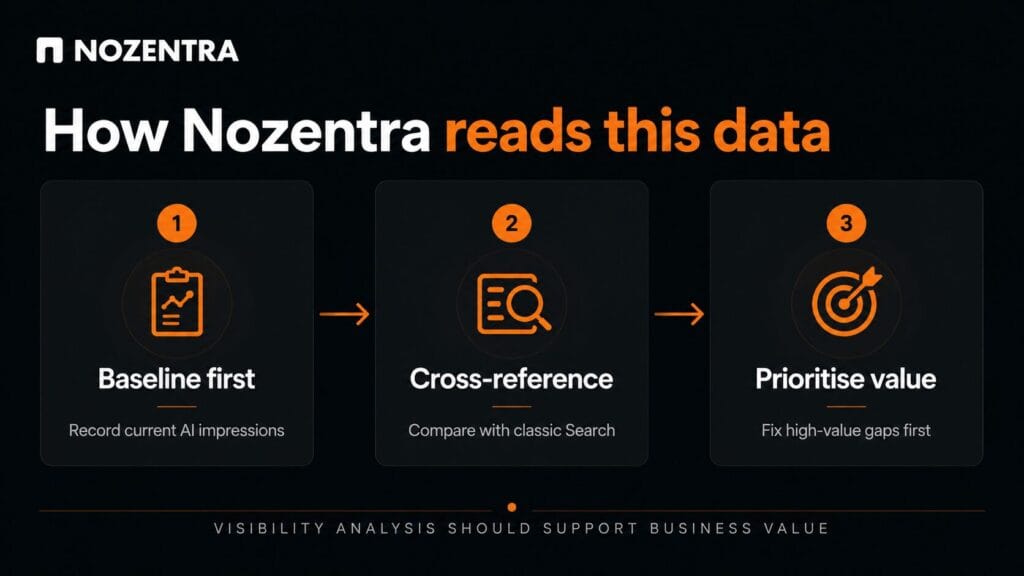
When Nozentra reviews a website’s AI visibility, we run the same three checks regardless of industry:
- Baseline first. Record current AI impressions by page before changing anything, since this is the number every future improvement gets measured against.
- Cross-reference against classic Search performance. Pages that rank well in standard results but do not appear in AI features usually share a pattern: thin direct answers, missing or incorrect schema, or unclear entity references.
- Prioritise by business value, not just impression volume. A service page missing from AI answers is often more valuable to fix than a high-traffic blog post that already ranks well in classic search.
This mirrors the diagnostic approach in our guide to how AEO is changing search by prioritizing user intent, which covers the content patterns that make a page easier for AI systems to quote in the first place.
What to do next
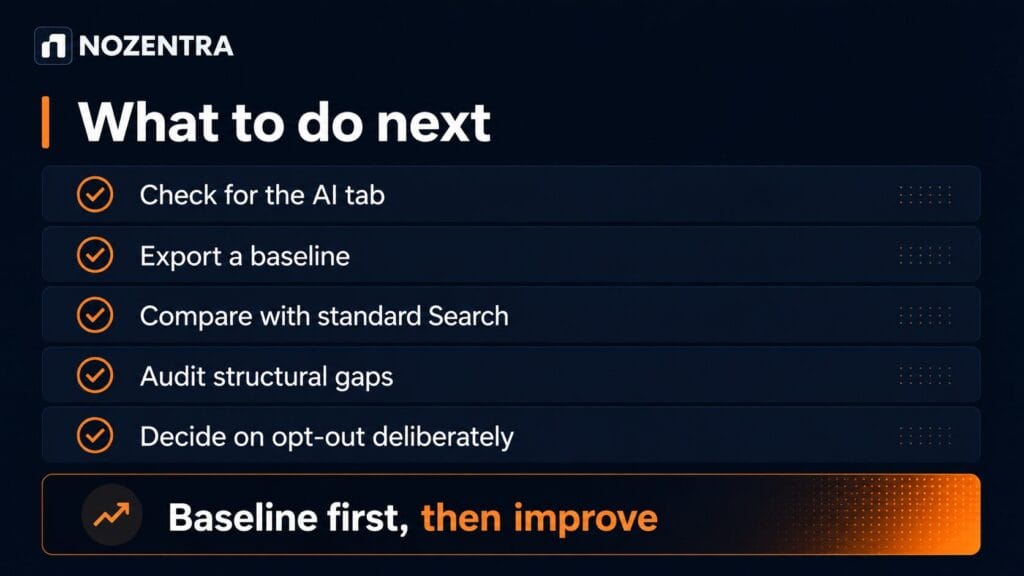
- Check whether your property has access by opening your Search performance report and looking for the generative AI tab, or appending /ai to the report URL.
- If you have access, export a baseline of impressions by page, country, and device before making any content changes.
- Compare the AI report against your standard performance report to find pages that rank but do not surface in AI features.
- Audit those gap pages against the structural basics covered in how to show up on Google Search: direct answers near the top, clear headings, and accurate schema.
- Decide deliberately whether to opt out of AI features. Opting out removes AI impressions and any associated traffic, with no stated benefit to standard rankings.
If you want a second opinion on whether your site’s structure is holding back AI visibility, Nozentra’s technical SEO and AEO review checks entity clarity, schema accuracy, and direct-answer placement against what these reports are starting to show.
FAQs
Does opting out of AI Overviews affect normal search rankings?
Google states the toggle only removes eligibility for AI features. It is not described as affecting standard ranking.
When will the report reach every property?
Google has not given a fixed timeline. The rollout started with a subset of sites, UK properties first, and is expanding gradually based on feedback.
Can I see clicks from AI Overviews anywhere right now?
Not inside Search Console yet. GA4’s AI referral tracking is currently the closest available proxy for the click side of the picture, though it will not perfectly match Google’s own AI surfaces.
Conclusion
The new report answers a question SEO teams have asked for two years: are we actually showing up in AI Overviews and AI Mode? It does not yet answer whether that visibility is worth anything. Baseline the data, compare it against pages that already rank well, and fix the structural gaps first. Wait for click data before making AI visibility the centre of your reporting.