


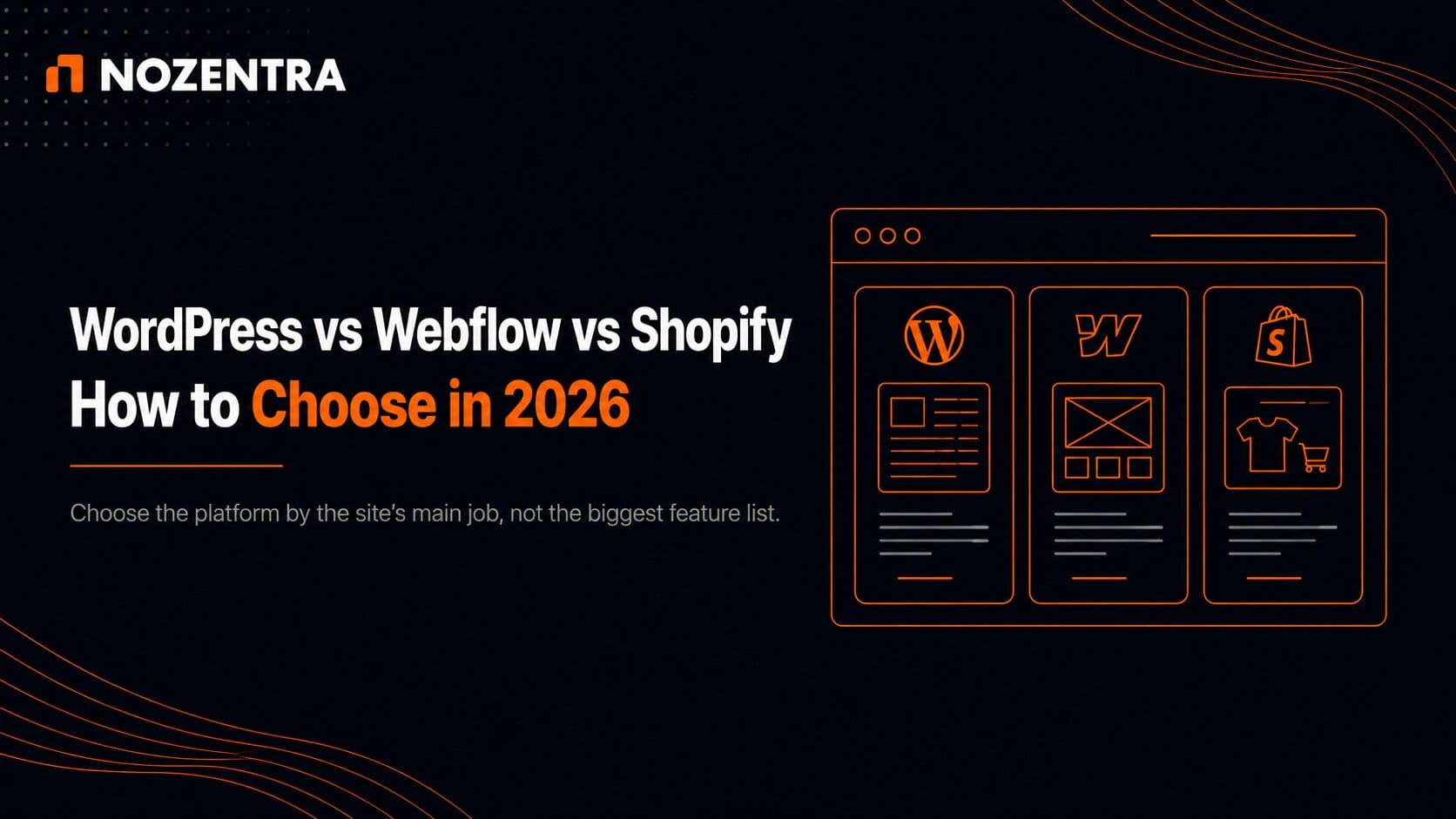
The right platform depends on what the site’s main job is, not which tool has the most features.
- WordPress → content-driven growth, maximum control over hosting and stack
- Webflow → design-led marketing site
- Shopify → a store where selling is the core function
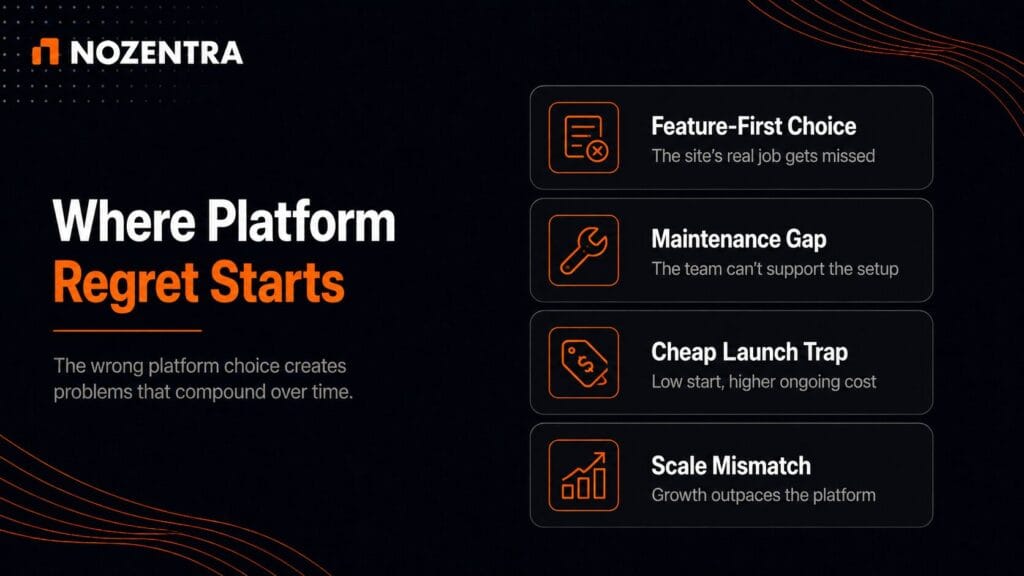
The wrong platform doesn’t just cost money. It costs time fighting the tool instead of growing the business.
Quick Comparison
| WordPress | Shopify | Webflow | |
| Best for | Content & SEO growth | Selling products | Design-led lead gen |
| Setup speed | Slower, more moving parts | Often the fastest | Fast, design-heavy |
| Cost model | Free software + hosting/plugins/maintenance | Monthly plan + payment fees + apps | Monthly plan, hosting included |
| Who maintains it | You (or your agency) | Low technical skill needed | Design team, less developer involvement for many changes |
| SEO control | Deepest | Strong fundamentals, more rigid technical controls | Solid, but plan-based content limits |
| Ecommerce ceiling | No fixed platform item cap (WooCommerce) | Built for scale | ~15,000 items |
What Should Actually Drive This Decision?
Start with the site’s primary job, not its wish list.
A site built to publish content and rank in search needs different things than a site built to sell products, which needs different things again than a site built mainly to look sharp and convert leads.
Most platform regret comes from picking based on a feature list instead of the job the site needs to do first.
When WordPress Makes Sense
Fits content-heavy sites, blogs, and businesses expecting to publish and grow organic traffic for years.
- Open source, so the software itself is free
- Hosting, security, and premium plugins are ongoing costs you own
- Trade-off: maximum control over hosting and tech stack, in exchange for maintenance responsibility
If your team (or agency) can handle that upkeep, WordPress can be cost-effective long-term and gives the most flexibility for future changes.
When Shopify Makes Sense
Shopify exists to sell products, and it shows.
- Inventory, checkout, payments, shipping: all built in, not bolted on
- Fast setup, low technical skill required
- Cost: monthly plan + payment processing fee (Shopify Payments) or an added transaction fee (third-party gateway) + app subscriptions that can increase as requirements grow
If the site’s job is primarily transactional, Shopify removes the most friction to actually launching.
When Webflow Makes Sense
Sits between the two.
- Pixel-level design control with less developer involvement for many design changes
- Hosting and CDN included
- 2026 pricing update folded CMS and Business tiers into one Premium plan, simpler budgeting for mid-size content sites
- Ecommerce supports catalogues up to ~15,000 items, enough for many small/mid stores; Shopify still wins for selling at scale
Best fit when the site’s job is to look sharp, load fast, and convert visitors into leads through design.
What About SEO?
All three platforms can rank well. The real differentiator isn’t the platform, it’s:
- How much control it gives you over technical details (URL structure, page speed, structured data)
- How much of that control your team is actually prepared to use
WordPress → deepest SEO plugin ecosystem
Shopify → strong built-in fundamentals, but more rigid technical controls
Webflow → solid fundamentals, but fixed collection/item limits by plan
WordPress’s content scale is limited mainly by your own hosting, not the platform. Webflow has explicit plan-based CMS/ecommerce item limits, while Shopify has different platform and plan constraints of its own.
Nozentra’s Decision Framework
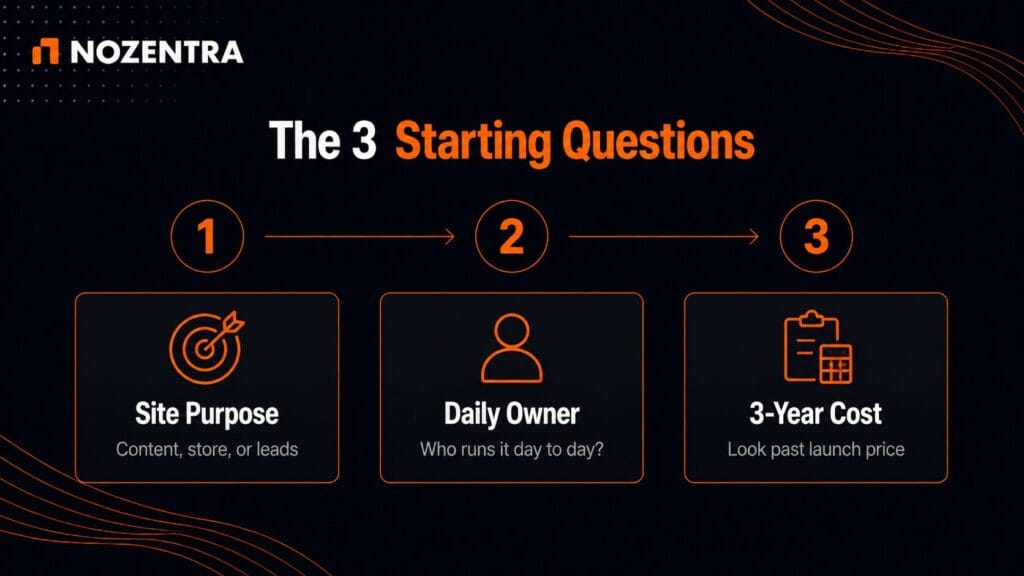
Ask three questions before comparing feature lists:
- What’s the primary goal? Selling products, publishing content, or converting leads through design
- Who maintains the site day to day? A technical team, a non-technical marketer, or an agency
- What’s the realistic three-year budget? Not just the first invoice
A platform that’s cheap to start but expensive to maintain, or flexible but unmanaged, causes more rework than the platform choice itself ever should.
What to Do Next
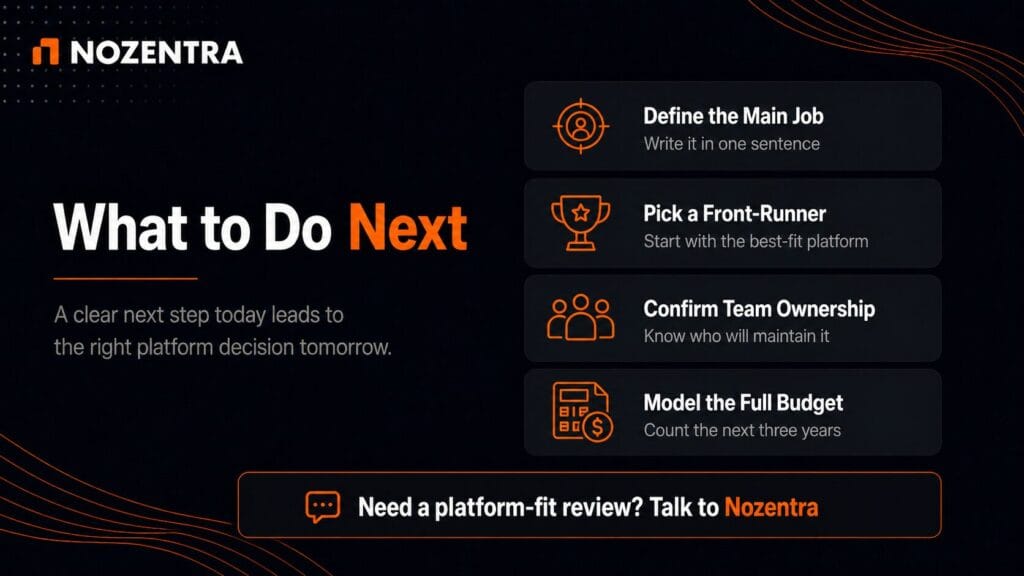
Write down the site’s single primary job in one sentence before comparing platforms.
- Selling products → start with Shopify
- Long-term content and SEO growth → start with WordPress
- Design-led lead conversion → start with Webflow
Still weighing it up? Get in touch with Nozentra for a short platform-fit consultation before you commit to a build.
FAQs
Can WordPress handle ecommerce too?
Yes, through WooCommerce. Common choice for stores that also want deep content and SEO control. Requires more setup than Shopify’s built-in store tools.
Is Webflow good enough for a full online store?
Webflow’s ecommerce supports catalogues up to ~15,000 items, suiting many small and mid-size stores. For large, complex catalogues or selling at scale, Shopify’s dedicated commerce tooling is a smoother fit.
Does switching platforms later hurt SEO?
It can, if redirects and URL structure aren’t handled carefully during migration. That’s a real risk, not a reason to avoid switching, and it’s manageable with a proper migration plan.