Choose WordPress when content flexibility and ownership of the stack matter, Shopify when store operations are the main job, and Webflow when a managed visual publishing workflow fits the team. Check the required integrations, upkeep and total cost before committing; none is the best choice for every site.
The useful comparison starts with what the site is for, who will look after it, and what it costs once the launch invoice is paid. Use the tables below to shortlist an option, then test the workflow that matters most to your business.
Key takeaways
Pick by the site's main job. Content and search growth points to WordPress, selling products to Shopify, design-led lead generation to Webflow.
WordPress runs 40.2% of all websites, Shopify 5.4% and Webflow 0.8% (W3Techs, 23 September 2026).
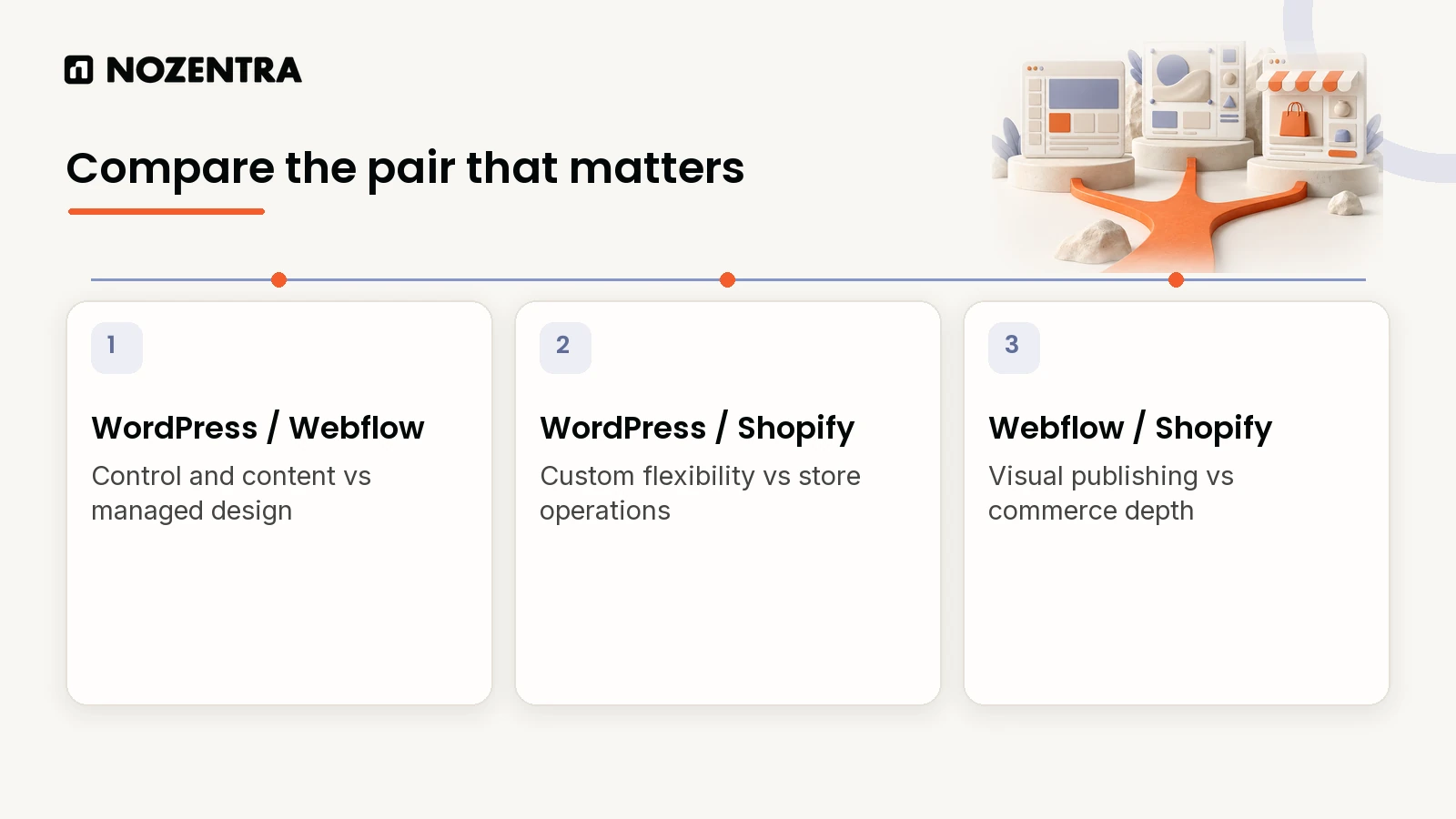
The pair matters too. WordPress vs Webflow is mainly control against convenience, WordPress vs Shopify is flexibility against store operations, and Webflow vs Shopify is design against ecommerce depth.
Webflow's Premium plan now includes 20,000 CMS items, but its ecommerce plans still top out at 15,000 items.
Include Shopify apps and payment charges, as well as the plan, in the budget.
WordPress is the cheapest or most expensive option depending entirely on whether maintenance is somebody's job.
What is the site's actual job?
Write it in one sentence before you compare anything.
Publish content and win organic search over years: WordPress
Sell products as the core function: Shopify
Look sharp and convert leads through design: Webflow
That is most of the decision. The rest of this article is the evidence and the money.
How do the three compare side by side?
| Question | WordPress | Shopify | Webflow |
|---|---|---|---|
| Best for | Content and SEO growth | Selling products | Design-led lead generation |
| Setup speed | Slower, more moving parts | Often fastest to a first sale | Fast for design-heavy sites |
| Cost model | Free software, you pay hosting, plugins, upkeep | Monthly plan, payment fees, apps | Monthly plan, hosting included |
| Who maintains it | You or your agency | Low technical skill needed | Designers and marketers, fewer developer tickets |
| Technical SEO control | Deepest | Strong basics, more rigid structure | Solid, within plan limits |
| Catalogue ceiling | Set by your hosting (WooCommerce) | Built for large catalogues | 15,000 items on top ecommerce plan |
How popular is each platform?
Popularity is not a reason to choose a platform, but it does tell you how deep the market is for plugins, themes, hosting and people who can work on it.
- WordPress40.2%
- Shopify5.4%
- Wix4.2%
- Squarespace2.4%
- Joomla1.1%
- Webflow0.8%
Source: W3Techs, content management systems overview, 23 September 2026
Among sites that use a CMS W3Techs can identify, WordPress holds 58.8%.
When does WordPress make sense?
When content is the growth engine and you are willing to own the stack.
The software is free. Hosting, security, premium plugins and maintenance are yours to pay for.
You get the deepest control over hosting, structure and technical SEO of the three.
There is no platform cap on content or catalogue size. Your hosting sets the limit.
You own the upkeep: updates, backups, security and plugin conflicts. That is the whole trade.
WordPress says plugins can "extend the functionality of WordPress". That freedom is useful, but every added plugin also becomes another dependency to review and maintain.
It works when someone is accountable for it. For VIP Plumbing, we built a new WordPress site with the heading structure and technical SEO in place from day one, then ran local SEO on top. Organic traffic grew 500% and ranked keywords went from 95 to 156.
If nobody owns maintenance, WordPress can accumulate security, compatibility and rework costs that a low launch price hides.
When does Shopify make sense?
When the site's job is to sell, and you want the least friction between today and your first order. Inventory, checkout, payments, shipping and tax are built in.
| Shopify plan | Billed yearly | Billed monthly | Third-party transaction fee |
|---|---|---|---|
| Basic | $29/mo | $39/mo | 2% |
| Grow | $79/mo | $105/mo | 1% |
| Advanced | $299/mo | $399/mo | 0.6% |
| Plus | from $2,300/mo on a 3-year term | from $2,500/mo on a 1-year term | 0.2% |
These are the US prices recorded on 23 September 2026; the annual Basic, Grow and Advanced prices were checked again on 26 October 2026. Confirm current regional pricing, billing terms and fees before buying. Shopify lists "Sell unlimited products" and "Unlimited web hosting" on its standard plans. Its help centre says the separate third-party transaction fee generally applies when an outside payment provider is used. Payment processing and app charges are separate.
The bigger surprise is usually apps. Subscriptions, reviews, advanced filtering and loyalty tools can add up to more than the plan itself.
When does Webflow make sense?
When design control matters more than catalogue size, and your marketing team wants to publish pages without waiting on a developer.
Webflow changed its site plans on 13 May 2026, merging the old CMS and Business plans into one Premium plan:
| Webflow site plan | Price | What changed |
|---|---|---|
| Starter | Free | Webflow.io domain, limited CMS |
| Basic | $15/mo billed yearly | 300 static pages, no CMS |
| Premium | $25/mo yearly or $39/mo monthly | CMS items up from 2,000 to 20,000, collections up from 20 to 40 |
| Team | $2,500/mo, annual contract | Webflow Localize, publishing workflows, AEO agents |
Two limits are easy to confuse. CMS items (blog posts, case studies, other content) now go up to 20,000 on Premium. Ecommerce items are separate: Webflow says nothing changed for ecommerce plans, which still allow 500, 5,000 or 15,000 items. That is plenty for many small and mid-size stores. For large catalogues, Shopify is the smoother fit.
Webflow describes Premium as "For content-rich sites with robust CMS and traffic needs". That is a better description of its strength than calling it a general replacement for every website platform.
WordPress vs Webflow: which one should you choose?
This is usually a choice between deeper control and a cleaner managed workflow.
| Question | WordPress | Webflow |
|---|---|---|
| Best fit | Content-heavy sites, SEO programmes and custom requirements | Design-led marketing and lead generation sites |
| Hosting | You choose and manage it | Included with the site plan |
| Flexibility | Highest, through themes, plugins and custom code | Strong visual control inside Webflow's platform |
| Maintenance | Core, themes, plugins, backups and security need an owner | Webflow manages the platform and hosting |
| Cost shape | Variable hosting, plugin and support costs | Predictable plan cost, with limits and add-ons |
Choose WordPress if content, technical SEO, integrations or long-term flexibility are central to the site. Choose Webflow if a design or marketing team needs to build and publish polished pages without owning a WordPress stack.
If both can handle the design, decide by the daily owner. A developer or agency can get more from WordPress. A visual team that wants fewer maintenance jobs will usually move faster in Webflow.
WordPress vs Shopify: which one is better for ecommerce?
Shopify is the clearer choice when selling is the main job and you want hosting, checkout, orders, inventory and payments in one system. WordPress becomes an ecommerce platform through WooCommerce, which WooCommerce describes as a "customizable, open-source ecommerce platform built on WordPress".
| Question | WordPress with WooCommerce | Shopify |
|---|---|---|
| Best fit | Content-led stores and custom buying flows | Stores that want strong operations out of the box |
| Setup | More decisions across hosting, theme, plugins and payments | Faster route to a working hosted store |
| Content and SEO | Deep control | Strong basics with a more fixed platform structure |
| Store operations | Depends on the WooCommerce setup and extensions | Native products, orders, inventory, checkout and channels |
| Maintenance | Your responsibility | Shopify maintains the core platform and hosting |
Choose WooCommerce when the store needs unusual content, custom product logic or control over the stack, and somebody can maintain it. Choose Shopify when the business would rather spend its time on products, fulfilment and sales than plugin compatibility and server work.
Webflow vs Shopify: which one is better for an online store?
For a serious online store, Shopify wins more often. Webflow makes sense when the catalogue is smaller and the visual experience matters more than advanced store operations.
| Question | Webflow Ecommerce | Shopify |
|---|---|---|
| Product limit | 500, 5,000 or 15,000 ecommerce items by plan | Unlimited products on standard plans |
| Yearly plan price | $29, $74 or $212 per month | $29, $79 or $299 per month before Plus |
| Platform transaction fee | 2% on Standard, 0% on Plus and Advanced | Third-party fee depends on plan and payment provider |
| Design control | Strong visual design for the storefront and checkout | Good theme system, deeper commerce operations |
| Best fit | Small or mid-size design-led stores | Ecommerce-first businesses and growing catalogues |
Webflow's ecommerce items include products, variants and categories, so a store can reach the limit sooner than the product count suggests. Shopify's standard plans list unlimited products, but apps, payment processing and advanced features still affect the full cost.
If ecommerce is secondary to a marketing site, Webflow can be enough. If ecommerce pays the bills, start with Shopify unless a specific requirement proves otherwise.
Which platform is best for SEO?
All three can rank. The platform is rarely the difference. Two things are:
How much technical control you get: URL structure, page speed, structured data, redirects.
How much of that control your team will actually use.
WordPress gives the most control and the largest plugin ecosystem. Shopify has strong fundamentals but fixed URL patterns such as /products/ and /collections/. Webflow is solid within its plan limits.
Unused control is worth nothing. A well-run Shopify store beats a neglected WordPress site.
What does each option cost over three years?
This is the question that should settle it, and almost nobody runs the numbers. Plan cost only, billed yearly, using the prices above:
- Webflow Basic540
- Webflow Premium900
- Shopify Basic1,044
- Shopify Grow2,844
Source: Shopify and Webflow published pricing, September 2026, calculated by Nozentra
WordPress is missing from the chart on purpose. Its licence costs nothing, and the rest (hosting, premium plugins, security, maintenance) depends entirely on who does the work. We will not invent a number for it, because that variability is the trade-off.
Whichever you choose, add payment processing fees, app or plugin subscriptions, and the time of whoever makes changes.
What should you decide before you commit?
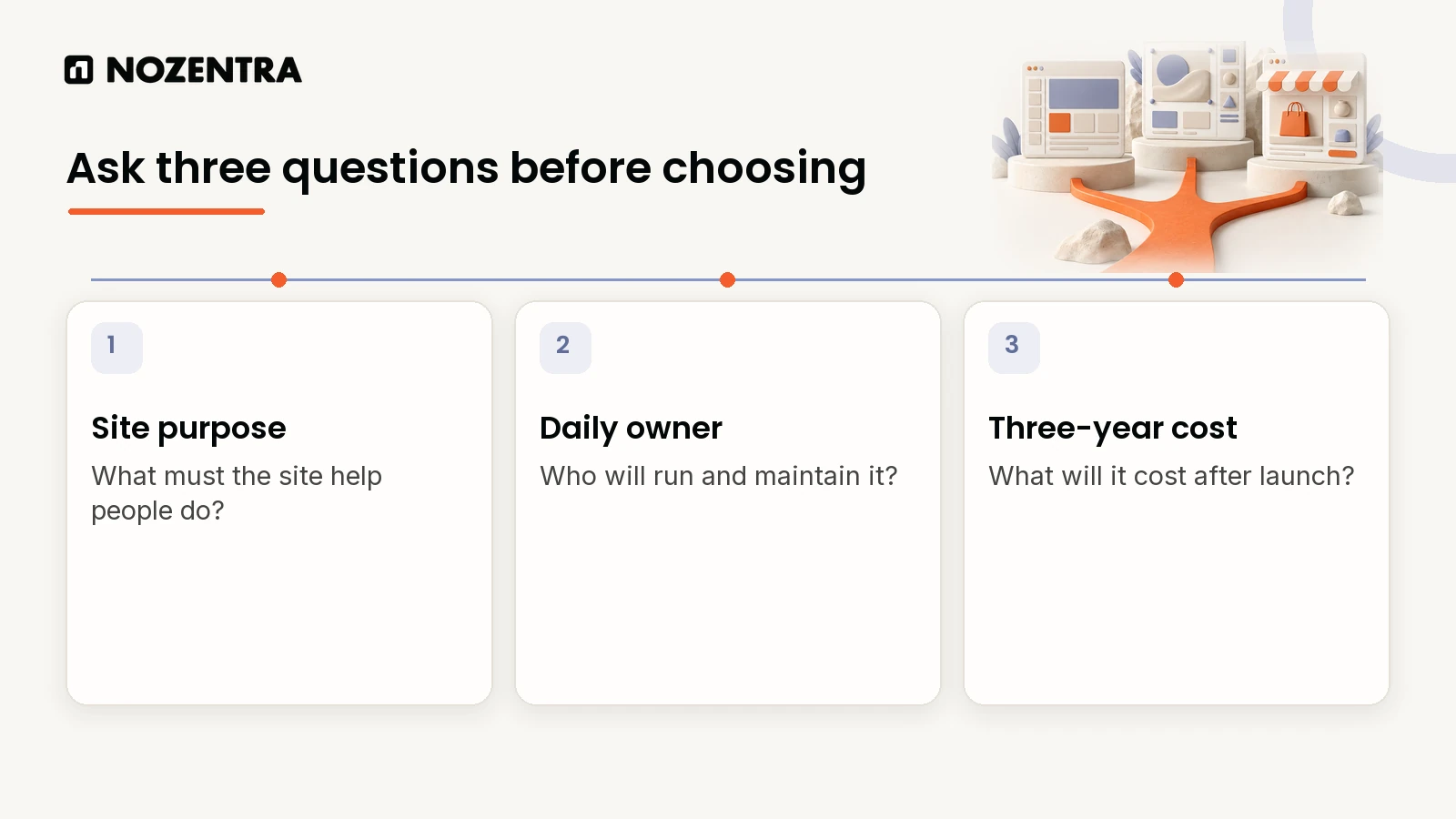
Answer three questions in writing:
What is the site's single main job? One sentence, not a list.
Who maintains it day to day? A developer, a non-technical marketer or an agency.
What is the realistic three-year budget, not just the first invoice?
If those answers do not point clearly at one platform, the problem is not the platform. The site's job has not been decided yet, which is the same issue behind websites that cannot scale.
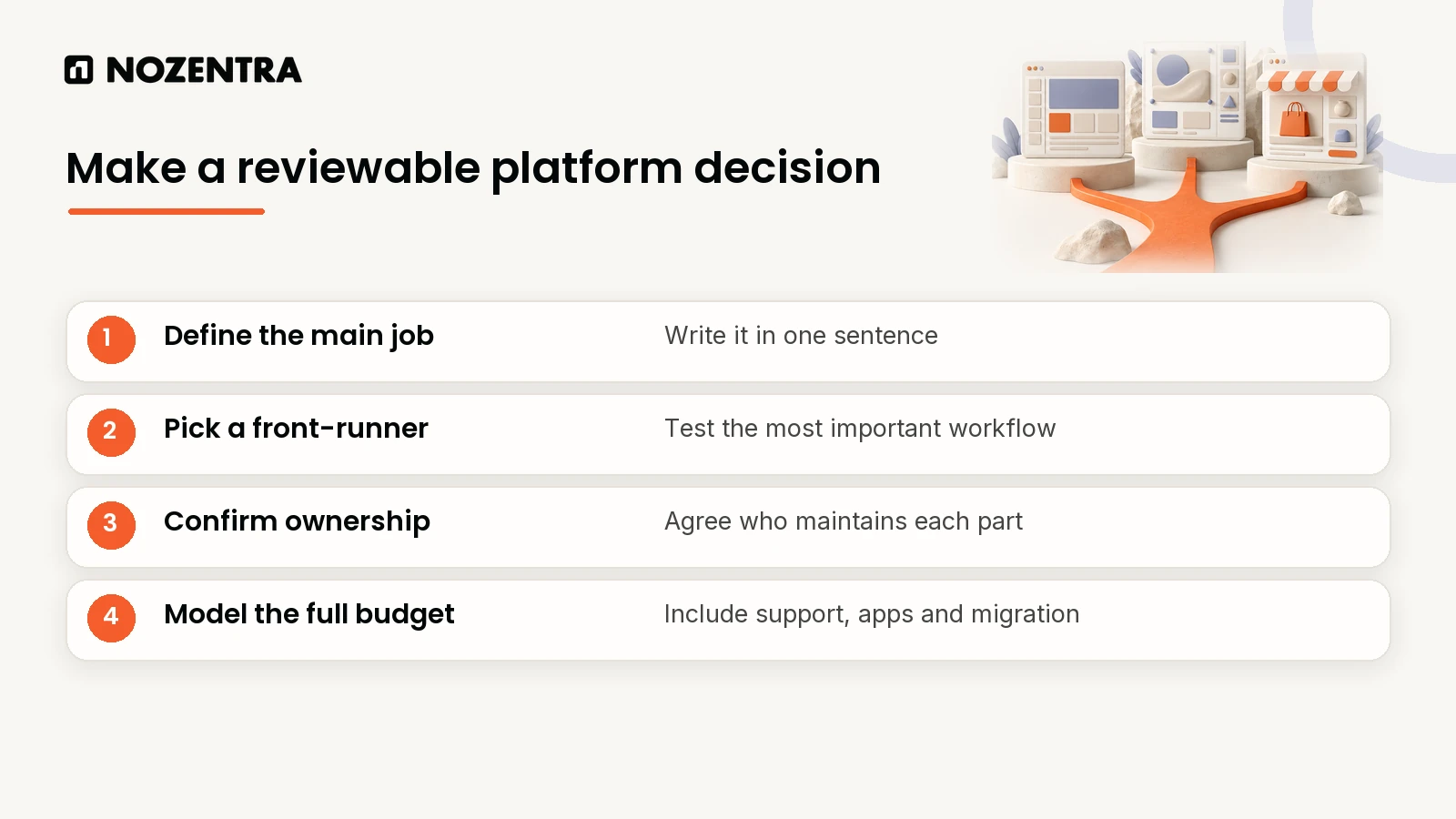
Weighing it up now? Tell us what the site needs to do and we will give you a straight answer, including "stay where you are" when that is right. See our website and ecommerce builds and website maintenance.
Frequently asked questions
Can WordPress handle ecommerce too?
Yes, through WooCommerce. It suits stores that also want deep content and SEO control, but it needs more setup and maintenance than Shopify's built-in store.
Is Webflow good enough for a full online store?
For many small and mid-size stores, yes. Webflow's largest ecommerce plan allows 15,000 items. Large or complex catalogues are usually a better fit for Shopify.
Does switching platforms later hurt SEO?
It can, if old URLs stop working. Map every old URL to its new home and add permanent redirects before launch. On Shopify you can import them as a CSV with two columns:
Redirect from,Redirect to
/shop/blue-widget/,/products/blue-widget
/category/widgets/,/collections/widgets
Handled carefully, a migration keeps the search value your old pages built up.