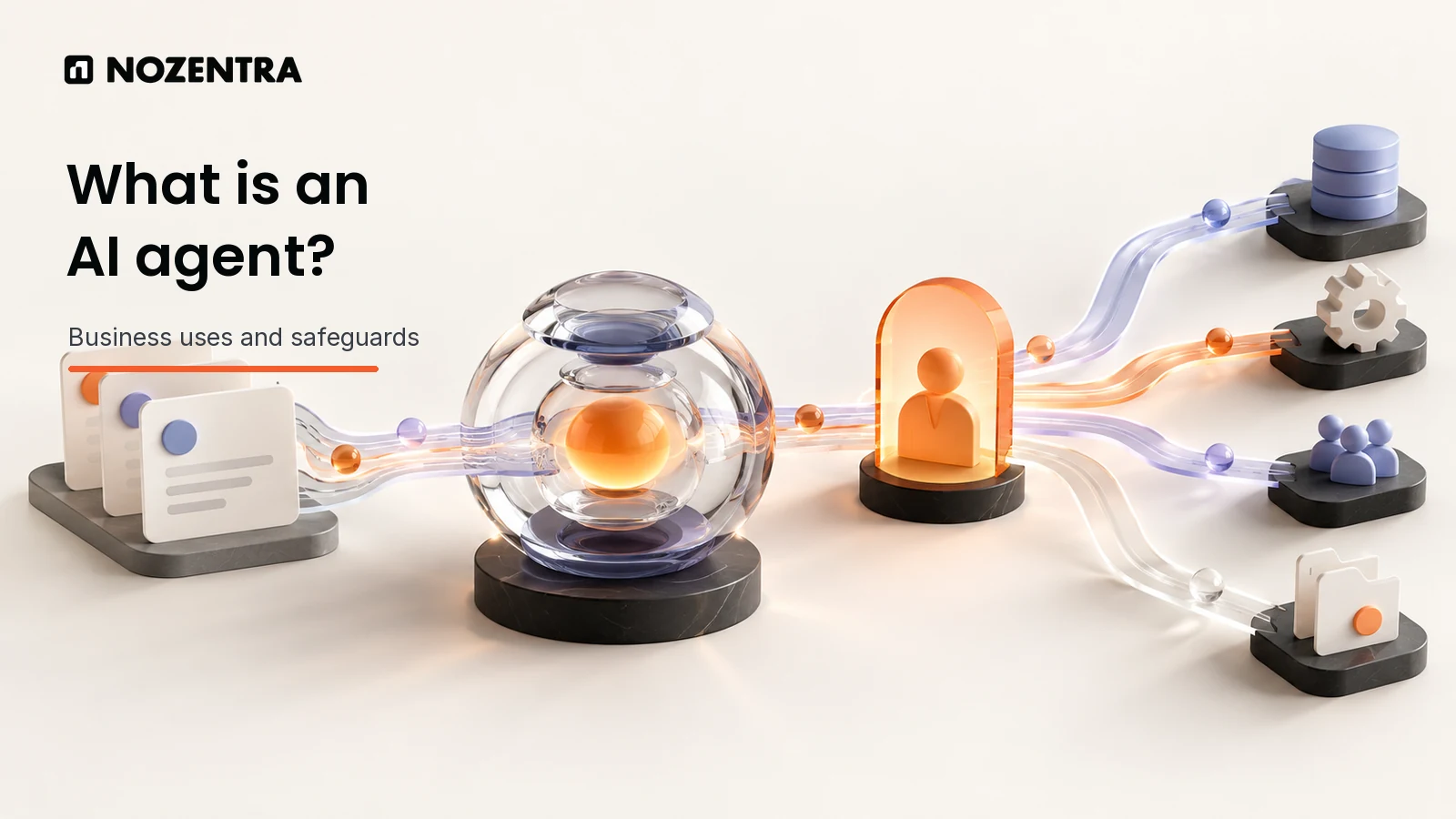
An AI agent is software that uses AI to work towards a goal, decide what step to take next and, when permitted, use tools to carry out that step. For a business, that might mean reading an incoming request, checking an approved source, preparing a response and routing it to the right person. The important words are when permitted: useful agents operate inside a process with defined access, checks and an owner.
The term covers systems with very different levels of independence. A saved prompt may help someone write, but it does not become a workflow agent merely because it is labelled one. This guide explains the mechanics, the jobs worth considering and the point at which a straightforward automation is the better choice.
What is an AI agent and how does it work?
An AI agent is a goal-directed system in which an AI model can choose at least some of the next steps in a task. It takes information in, selects an action from tools it has been allowed to use, checks the result and either continues, stops or asks a person for help. Google Cloud's overview describes agents through planning, tools and varying levels of autonomy; LangChain's engineering definition makes the choice of the next workflow step central.
Consider a new support request. A bounded agent could read the message, look up the relevant help article, classify its subject and draft a suggested reply. It might then create a ticket for review. If the source is missing or the request concerns a refund, it should hand the case to a person instead of guessing or acting beyond its permissions. This is a hypothetical workflow, not a claim about a Nozentra client.
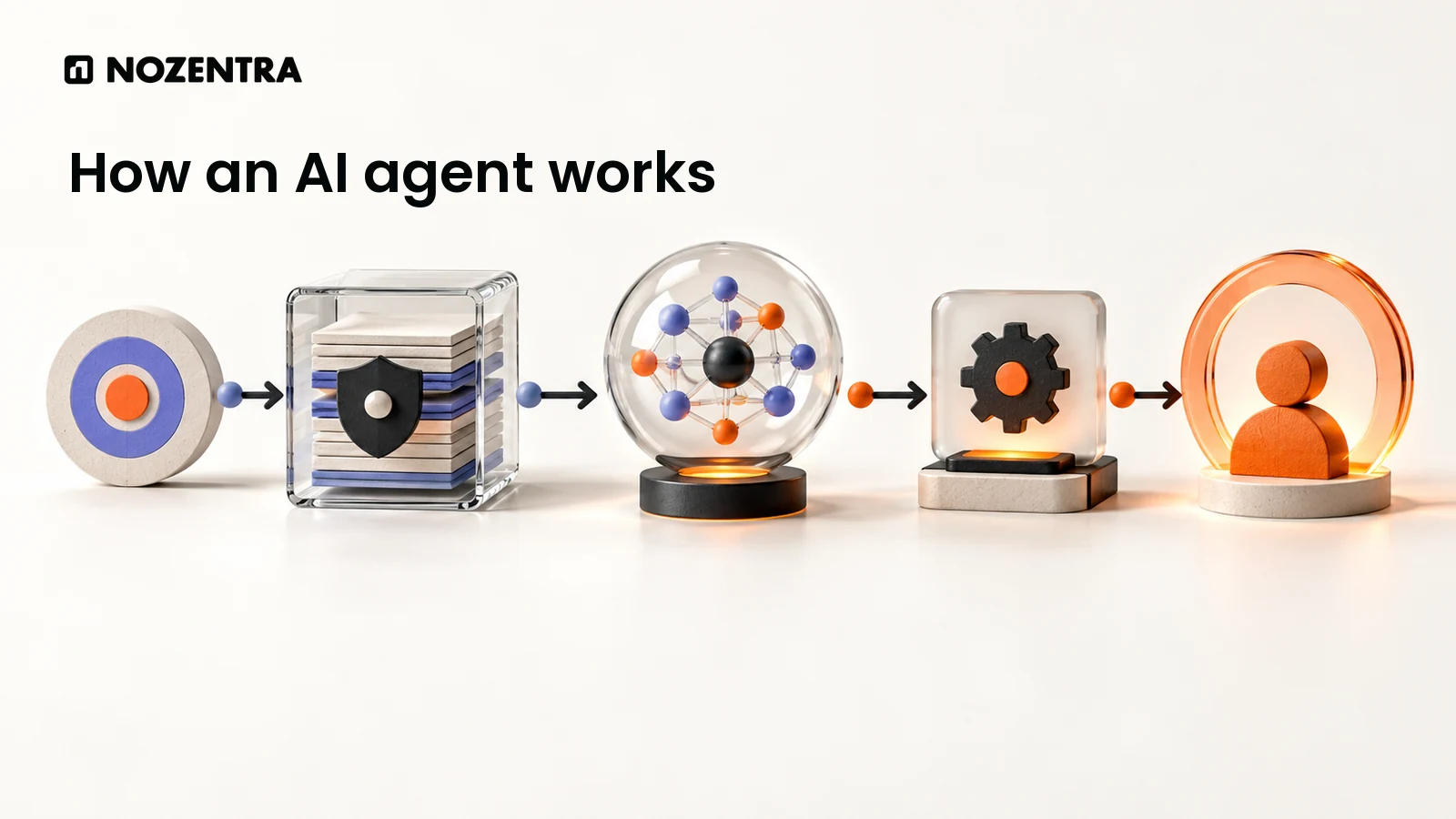
The parts are easier to understand as a sequence:
Goal and instructions: The business names the task, its owner and the limits on action.
Information: The agent receives the request and retrieves only approved context.
Decision: The model chooses the next permitted step, rather than following one fixed path for every case.
Tool action: An approved connection reads a record, drafts content or updates a permitted field.
Check and handoff: The result is checked, recorded and sent for human review where the stakes or uncertainty require it.
An agent does not need unrestricted access to be useful. In fact, the permissions and stop conditions are part of its design. The Nozentra AI agents and automation service describes defined permissions, logged runs and human checkpoints around repetitive work.
What is the difference between an AI agent and a chatbot?
A chatbot primarily exchanges messages; an AI agent can choose and coordinate actions towards a goal. A chatbot can be the front door to an agent, so the two are not mutually exclusive. The useful question is what the system can do after it answers, and who controls that action. OpenAI's agent guide distinguishes a model that only returns an answer from one that directs a workflow and uses tools.
| System | Typical job | Who chooses the next step | Example |
|---|---|---|---|
| Chatbot | Answer a question or collect details | Conversation design or user | Explain a published delivery policy |
| Fixed workflow automation | Follow a defined rule or sequence | Prewritten rules | Send a form submission to a named inbox |
| AI agent | Choose among approved steps to pursue a goal | AI model within set boundaries | Read a varied enquiry, check context, route it and prepare a draft |
Some products use these labels loosely. A custom assistant with reusable instructions may be valuable without being able to update a CRM or complete a task independently. Conversely, an agent may run in the background and never present a chat window. The distinction matters when you set expectations, costs and review requirements.
What business tasks can AI agents automate?
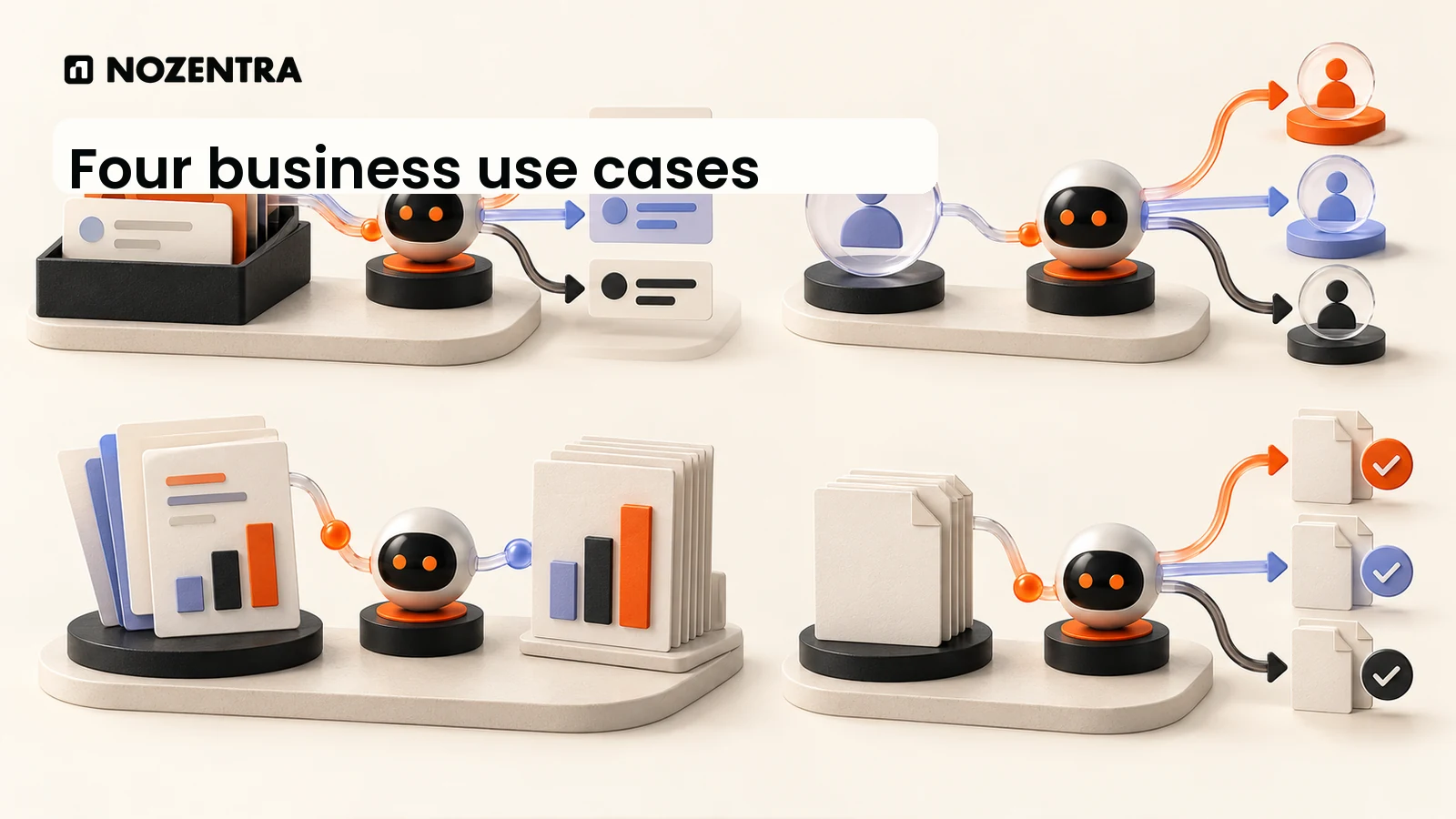
AI agents can help with repetitive work that involves variable language or several possible next steps, provided the inputs, tools and success criteria are clear. The examples below are possible designs, not reported Nozentra deployments or measured client outcomes.
Support triage: Read a request, find an approved policy, classify urgency and prepare a reply or escalation. A person handles exceptions and sensitive decisions.
Lead routing: Interpret an enquiry, check agreed fit rules, add relevant context to a record and suggest an owner. The sales owner reviews priority cases before a response goes out.
Reporting preparation: Gather permitted figures, flag missing or inconsistent inputs and draft a summary for an analyst to verify. It should never invent a number when a source is unavailable.
Onboarding coordination: Check whether required documents and handoffs are complete, remind the right internal owner and keep a visible record of outstanding steps.
Document intake: Extract fields from varied forms, compare them with required information and queue unclear or consequential cases for review.
These examples are closer to business process automation than to a general purpose digital colleague. Nozentra's service page presents lead handling, support triage, reporting and onboarding as illustrative workflow blueprints, and ties each to a control point. A prospecting use case is explored separately in our article on AI agents in B2B prospecting.
Are AI agents safe to use with customer data?
They can be used responsibly with customer data only after the business has checked where that data goes, what the agent may access and what it may change. No platform or model label makes a particular workflow safe by itself. IBM's overview identifies data privacy, loops and supervision as agent risks; OpenAI's guide recommends layered guardrails alongside authentication and access controls.
Before connecting an agent to a CRM or support queue, define the minimum data it needs and remove unnecessary personal details. Give its tools the smallest practical permissions, separate reading from writing, and require approval for customer-facing messages, deletions, spending or other consequential changes. Keep a useful action log without copying more private data than necessary. Test wrong or incomplete inputs, unavailable sources, conflicting instructions and failed tools before expanding access.
A business also needs to verify its provider's contractual data terms, storage location, retention settings and applicable obligations for each market where it operates. Those requirements depend on the specific system and data; this article cannot certify a vendor or a deployment. Our article on using AI with human ownership sets out the responsibility and review boundaries in more detail.
When should a business use an AI agent instead of simple workflow automation?
Use an AI agent when a worthwhile task has changing paths or unstructured inputs that fixed rules cannot handle reliably, and when its decisions can be checked. Use simple workflow automation when the steps are stable and the rules can be written down. LangChain's comparison separates model-directed control flow from predefined paths, while OpenAI's guide recommends agents for complex decisions, difficult rules or heavy unstructured information.
Start by mapping the task without choosing a tool. Record the trigger, inputs, owner, acceptable result and exceptions. If a short set of rules covers the normal and exceptional cases, automate those rules. If the next step depends on interpreting varied documents or requests, test a narrowly scoped agent. Compare it with the existing process on accuracy, review effort, time, cost and failure handling, using your own data rather than a vendor promise. Expand only when the responsible team can inspect and interrupt its work.
A sensible first pilot can allow reading and drafting while keeping sending and record changes under human control. This gives the team evidence about where model judgment helps, where it fails and whether further autonomy is justified. The purpose is a dependable workflow with a named owner, not the greatest possible number of automated steps.
What types of AI agents are useful for businesses?
Businesses can consider a conversational agent that helps a user complete a task, a background agent triggered by an event, or a system that coordinates several specialist agents. These categories describe how the work is organised, rather than a guarantee of capability. Google Cloud groups agent types by interaction and by the number of agents involved.
For a first AI workflow automation project, one agent with a narrow job is easier to inspect than several agents passing work between themselves. Add complexity only when a real task requires it. Some systems retain approved context between runs, while others use only the current task's information; do not assume an agent learns permanently from every interaction.
What are the main limits of AI agents?
AI agents remain fallible because their outputs can be wrong, their sources may be incomplete and tool calls can fail. They can also repeat a step, misread ambiguous instructions or expose data through an overbroad connection. More autonomy increases the need for monitoring, cost limits, evaluation and a way to stop the run. IBM describes these operational risks and Google Cloud notes limits in high-stakes and emotionally complex tasks.
Keep a person accountable for decisions that affect a customer, money, legal position or published business statements. A useful agent should make its evidence, uncertainty and actions visible enough for that person to review. If the workflow cannot meet that standard yet, a smaller automation or a human-led process is the better option.