Use Search Console's generative AI performance reports to track impressions in Google's AI features, then compare them with overall Search performance and business outcomes. Google completed the worldwide rollout on 31 August 2026, but a property may not show a report until it has received enough impressions.
The reports count impressions, not clicks. They tell you whether you are visible in AI answers, not whether that visibility sends you traffic. Here is how to read them without overreacting.
Key takeaways
Every site now has access, as long as its pages have appeared in AI features often enough to report.
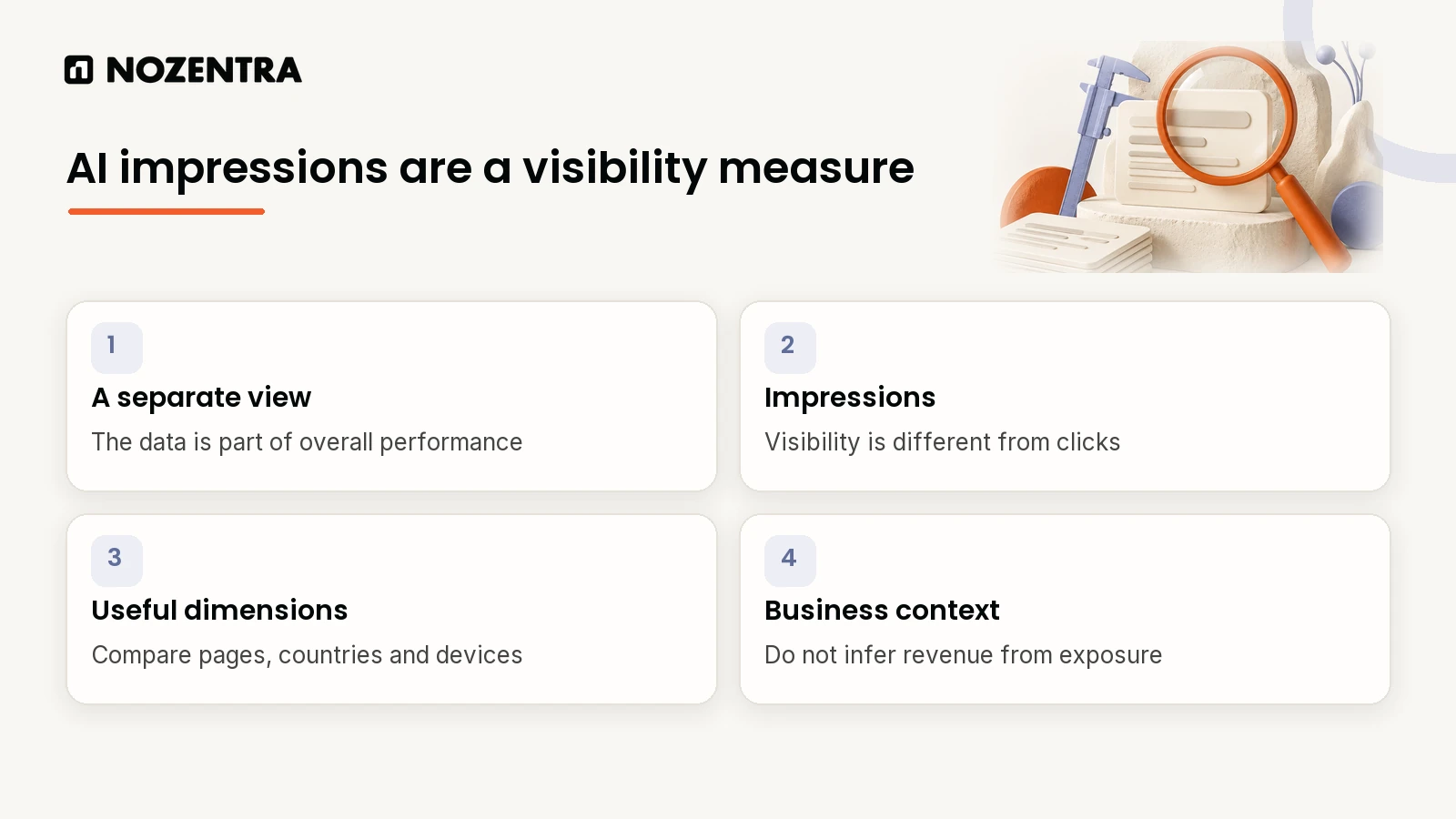
It is a new view, not new data. These impressions were already inside your main performance totals.
Impressions only: grouped by page, country, device and date. No clicks, CTR or queries yet.
Being cited matters. Seer Interactive found pages cited in an AI Overview earn 120% more organic clicks per impression than uncited ones.
You can opt out, but you lose AI visibility, and Google says it does not help normal rankings.
What does the new report actually show?
Google's launch post, by Hillel Maoz and Moshe Samet, describes two reports: one for Search (AI Overviews and AI Mode) and one for Discover.
| Included now | Not included yet |
|---|---|
| Impressions in AI Overviews and AI Mode | Clicks from AI answers |
| Impressions in Discover's generative AI features | Click-through rate |
| Breakdown by page and country | Queries |
| Breakdown by device (Search only) | Your position inside an AI answer |
| Date ranges with daily, weekly or monthly grouping | Visibility in ChatGPT, Perplexity and other AI tools |
Google says it will keep working with site owners on "adding additional metrics over time", so the right-hand column may shrink.
Also note how position works. According to Google's metrics documentation, "An AI Overview occupies a single position in search results, and all links in the AI Overview are assigned that same position." There is no rank inside an AI Overview to optimise for.
How do you open the report?
In Search Console, open Performance and look for the generative AI view. You can also go straight to it:
https://search.google.com/search-console/performance/search-analytics/aiIf it is empty, Google's help page notes that a property may not show data until its pages have received enough impressions in generative AI features.
Is a rising AI impression count good news?
Not on its own. AI impressions and clicks behave differently from classic rankings, and the picture has shifted over time.
Seer Interactive's April 2026 study tracked 53 brands, 5.47 million queries and 2.43 billion organic impressions from January 2025 to February 2026:
| Organic CTR | January 2025 | December 2025 | February 2026 |
|---|---|---|---|
| Queries with an AI Overview | 3.2% | 1.3% | 2.4% |
| Queries without an AI Overview | 2.8% | 3.2% | 3.8% |
Two things stand out. CTR on AI Overview queries fell through 2025, then recovered by 85% in two months. And by early 2026, queries without an AI Overview were earning clearly more clicks.
The same study found AI Overviews are far more common on some kinds of search than others:
- Informational36%
- Commercial8%
- Transactional5%
Source: Seer Interactive, 'AIO Impact on Google CTR: 2026 Update', April 2026
Within informational searches, comparison queries triggered an AI Overview 95.4% of the time, and question-style queries 85.9% of the time.
The practical point: being cited matters. Seer found that pages cited in an AI Overview earn 120% more organic clicks per impression than pages that are not cited, but still 38% fewer than on searches with no AI Overview at all. Treat this report as a visibility metric until Google adds clicks.
How do we read this data during an audit?
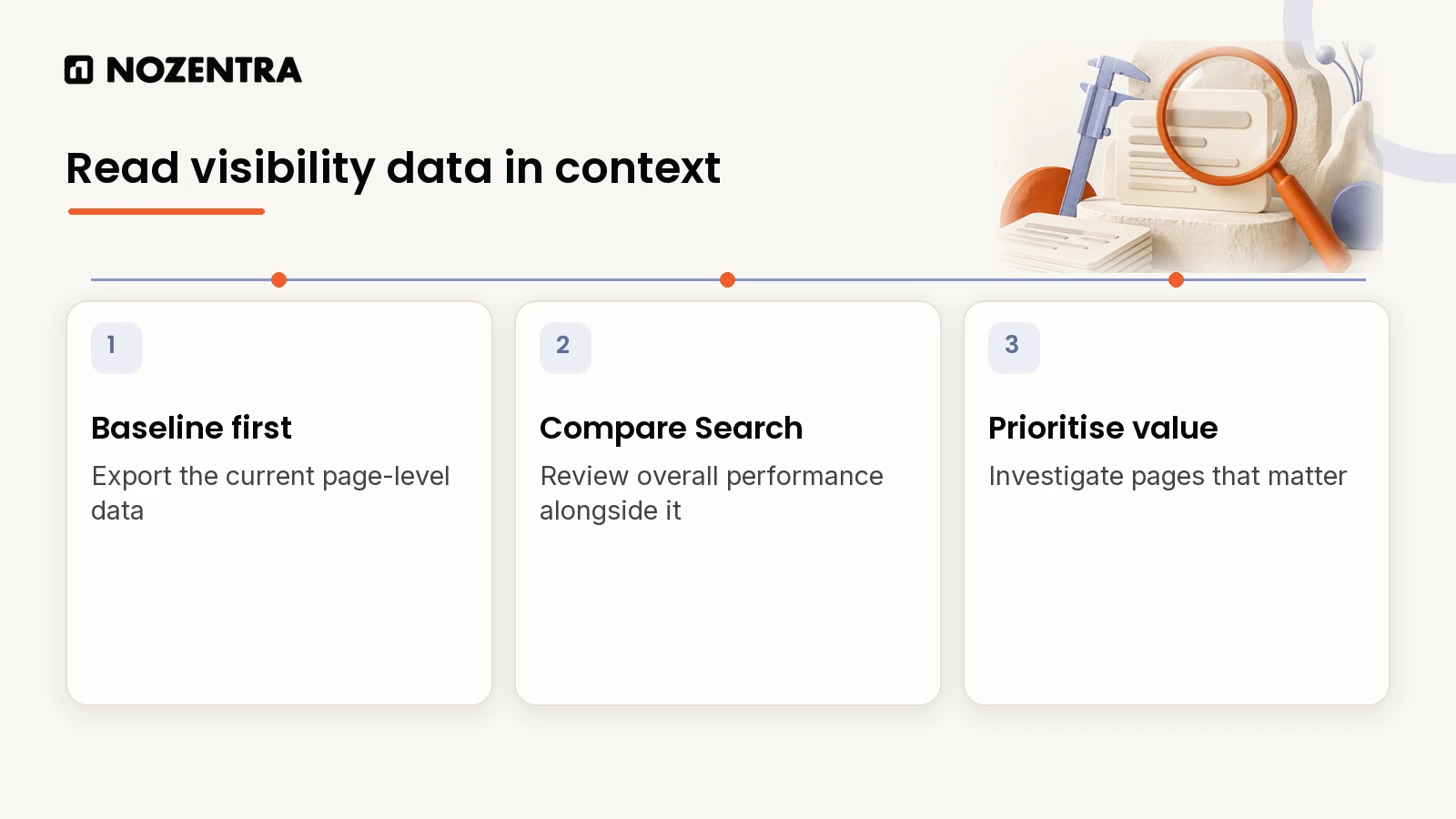
We run the same three checks whatever the industry:
Baseline first. Export current AI impressions by page before changing anything. It is the number every later improvement is measured against.
Cross-reference with classic Search. For pages with low AI visibility, review search eligibility, relevance, clarity and supporting evidence. Google's AI guidance says structured data is not a requirement for generative AI search. Where you use it, keep it accurate and consistent with the visible page.
Prioritise by business value. A service page missing from AI answers is usually worth more to fix than a busy blog post.
A simple way to find the gaps is to export both reports by page and compare them:
Page                       Classic impressions   AI impressions   Gap?
/services/roof-repairs     18,400                120              Yes: ranks, rarely cited
/blog/how-to-fix-a-leak     9,200                3,900            No
/services/gutter-cleaning   6,100                0                Yes: review relevance and evidence
The numbers above are illustrative. The pattern you are looking for is high classic impressions next to low AI impressions on pages that matter commercially.
Can you see clicks from AI answers anywhere else?
Partly, in GA4. Google's default channel group now includes an AI Assistant channel for visits "from sources like ChatGPT, Gemini, Deepseek, Copilot, or Grok." GA4 sets the medium to ai-assistant when the referrer matches its list of AI assistants.
Two details matter when you read it:
| Where the click came from | GA4 channel |
|---|---|
| Google AI Overviews and AI Mode | Organic Search, not AI Assistant |
| ChatGPT, Gemini, Copilot and similar assistants | AI Assistant |
| AI apps that pass no referrer | Usually Direct |
So clicks from Google's own AI features are mixed into Organic Search, and some assistant visits land in Direct. Treat the AI Assistant channel as a trend, not a complete total.
Should you opt out of AI features?
Google's Search generative AI control lets you exclude your site from AI Overviews, AI Mode and Discover's generative AI features. You find it under Settings in Search Console, then choose "Exclude my site's links and content from Search generative AI features."
Google is clear that it does not affect normal results: "this control isn't used as a ranking or inclusion signal affecting other parts of Search." Exclusion takes effect within 1 to 2 days, though some content can take longer.
For most businesses, opting out removes AI impressions and any clicks they bring, with no ranking benefit in return. Make it a deliberate decision, not a reaction.
What should you do next?
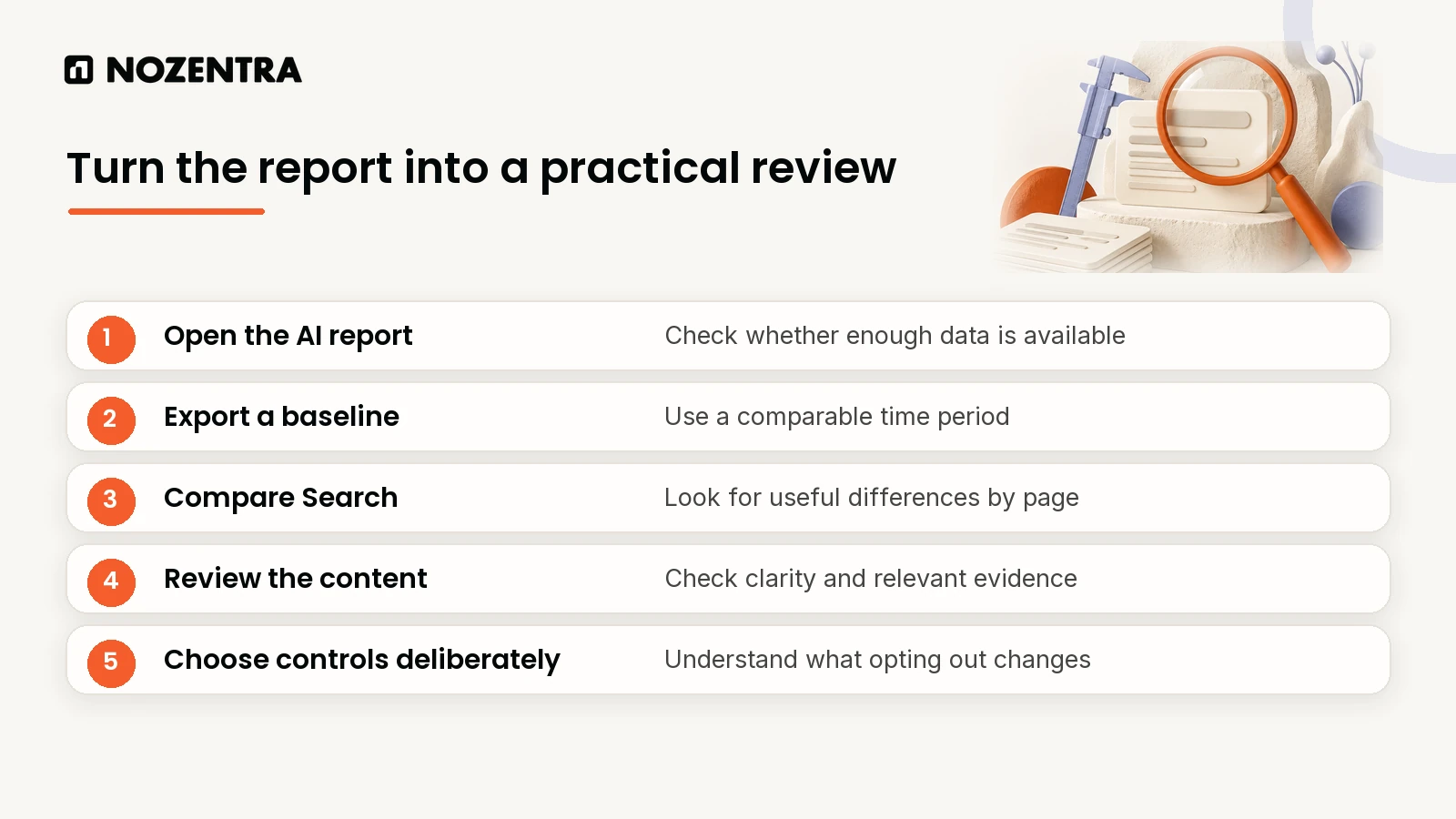
Open the AI report using the link above.
Export a baseline of impressions by page, country and device.
Compare it with your standard performance report to find pages that rank but rarely appear in AI features.
Fix the structural basics on those pages: a direct answer near the top, clear headings and accurate structured data. Our guide to showing up on Google Search covers them.
Decide on opting out deliberately, not by default.
For the content side, see how AEO is changing search by prioritising user intent. If you want a second opinion on what is holding back your AI visibility, our AI search visibility review checks answer placement, structured data and clarity against what these reports show.
Frequently asked questions
Does opting out of AI Overviews affect normal rankings?
Google says no. The control only affects whether your content can appear in Search generative AI features.
Why is my AI report empty?
The report is available worldwide, but a property may show no data until its pages have appeared in AI features often enough.
Did my total Search Console numbers change?
No. Google says this data was already included in the overall performance report. The new report is a separate view of it.
Sources
Google Search Central Blog: Introducing Search Generative AI performance reports in Search Console (3 June 2026, updated 31 August 2026)
Search Console Help: Generative AI performance report (Search)
Search Console Help: What are impressions, position, and clicks?
Seer Interactive: AIO Impact on Google CTR, 2026 Update (April 2026)