Search Console says your page is indexed. It still gets almost no impressions or clicks.
First confirm that the intended canonical URL is still indexed and that you are checking the right property, dates and query. If it is indexed, investigate relevance, useful content, competition and search appearance. This framework helps separate those stages so you can make a focused change.
Key takeaways
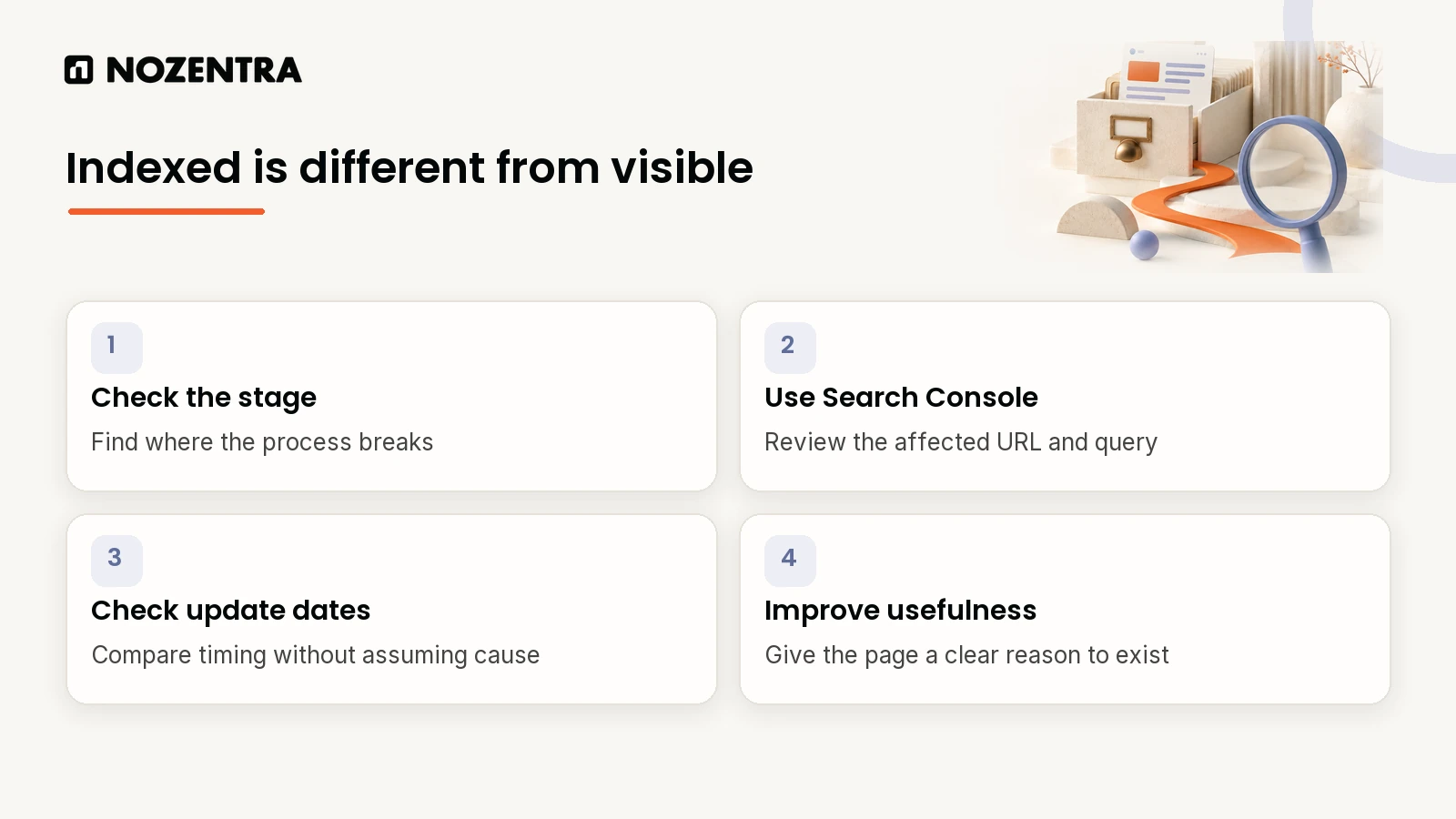
Indexed is not the same as visible. Ahrefs found 96.55% of pages in its index get no traffic from Google at all.
Diagnose the stage first: not discovered, crawled but not indexed, indexed but not ranking, or ranking with low clicks.
Search Console is the diagnostic tool, not your analytics platform.
Google ran three spam updates and two core updates in the first eight months of 2026. Pages that dropped around those dates are worth rechecking.
Technically fine is not enough. Most stuck pages are accurate but generic.
How common is this problem?
Very. Ahrefs studied around 14 billion pages in its content index and found almost none of them get meaningful search traffic:
- No traffic96.55%
- 1 to 10 visits1.94%
- More than 10 visits1.51%
Source: Ahrefs, study of about 14 billion pages (2023); last bar calculated from the other two
Ahrefs points to three main reasons: nobody searches for the topic, the page has no backlinks, or it does not match what searchers want. None of those is an indexing problem.
Where in the chain is your page failing?
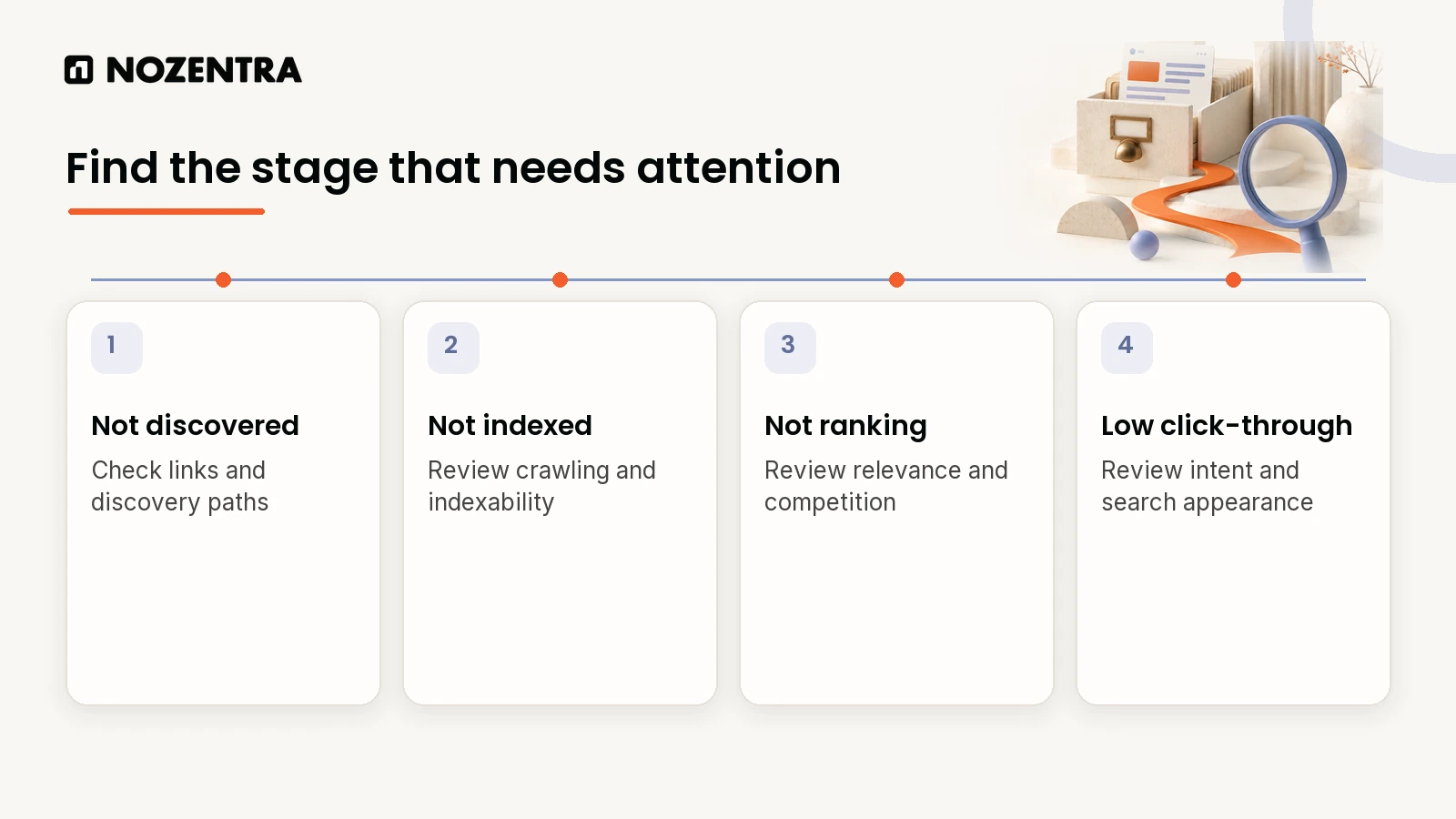
A page can be stuck in one of four states. Each has a different cause and a different fix, so diagnosing the wrong one wastes time.
| Stage | What Search Console shows | Likely cause | First fix |
|---|---|---|---|
| 1. Not discovered | Missing, or "Discovered - currently not indexed" | No internal links, not in sitemap, crawl blocked | Link it from crawled pages, add to sitemap |
| 2. Crawled, not indexed | "Crawled - currently not indexed" | Thin or near-duplicate content | Consolidate duplicates, give the page a clear purpose |
| 3. Indexed, not ranking | Indexed, but few impressions | Weak relevance, quality or authority | Rework the page around a direct, original answer |
| 4. Ranking, low clicks | Impressions, but low CTR | Title and description do not match intent | Rewrite the title and meta description |
Stage 1: Has Google even discovered the page?
Open the Pages report under Indexing in Search Console. Google explains "Discovered - currently not indexed" as: "The page was found by Google, but not crawled yet."
Check three things: that the page is linked from pages Google already crawls, that it is in your sitemap, and that nothing is blocking it. This checks the common blockers from a terminal:
# Is robots.txt blocking the path?
curl -s https://www.example.com/robots.txt

# Does the page carry a noindex meta tag?
curl -s https://www.example.com/your-page | grep -i 'name="robots"'

# Is noindex being sent as an HTTP header instead?
curl -sI https://www.example.com/your-page | grep -i x-robots-tag
Stage 2: Was it crawled but left out of the index?
"Crawled - currently not indexed" means, in Google's words, "The page was crawled by Google but not indexed. It may or may not be indexed in the future."
This usually points to thin content, a near-duplicate elsewhere on your site, or a page that does not justify existing on its own. Merging near-duplicates into one stronger page often works faster than adding words to each.
Stage 3: Is it indexed but not ranking?
This is where most stuck pages sit. The page is technically fine, but it does not give Google a reason to rank it above what is already there.
Ask one honest question: does it read like the same overview available on dozens of other sites? If so, that is almost certainly the reason. Google's guidance on helpful content asks: "Does the content provide original information, reporting, research, or analysis?"
Stage 4: Is it ranking but rarely clicked?
Then the problem is the pitch, not visibility. Compare your title and meta description with the results above and below you. A title that does not match what the searcher wants, or a description that reads as generic, will suppress clicks even from a decent position.
Did a 2026 Google update cause the drop?
Possibly. Google's Search Status Dashboard lists these ranking updates so far this year:
| Update | Started | Rollout took |
|---|---|---|
| February 2026 Discover update | 5 February 2026 | 21 days, 17 hours |
| March 2026 spam update | 24 March 2026 | 19 hours, 30 minutes |
| March 2026 core update | 27 March 2026 | 12 days, 4 hours |
| May 2026 core update | 21 May 2026 | 11 days, 21 hours |
| June 2026 spam update | 24 June 2026 | 2 days, 1 hour |
| August 2026 spam update | 18 August 2026 | 2 days, 16 hours |
If a page dropped within a few days of one of these dates, compare it honestly against what now ranks above it. Also note that Google says llms.txt files have no effect on rankings, so they are not a shortcut around content work. We cover that in whether your site needs a separate AI version.
What does E-E-A-T actually mean for a stuck page?
E-E-A-T stands for experience, expertise, authoritativeness and trustworthiness. Google is specific about how it works:
| What Google says | What it means for you |
|---|---|
| "E-E-A-T itself isn't a specific ranking factor" | There is no single score to optimise |
| "Of these aspects, trust is most important" | Accuracy and honesty come first |
| "Is it self-evident to your visitors who authored your content?" | Show who wrote it and why they know |
| "expertise that comes from having actually used a product or service" | Show first-hand experience, not just claims |
If your site or templates still say "E-A-T", update them. Google added experience to the framework in December 2022.
What do we usually find in these audits?
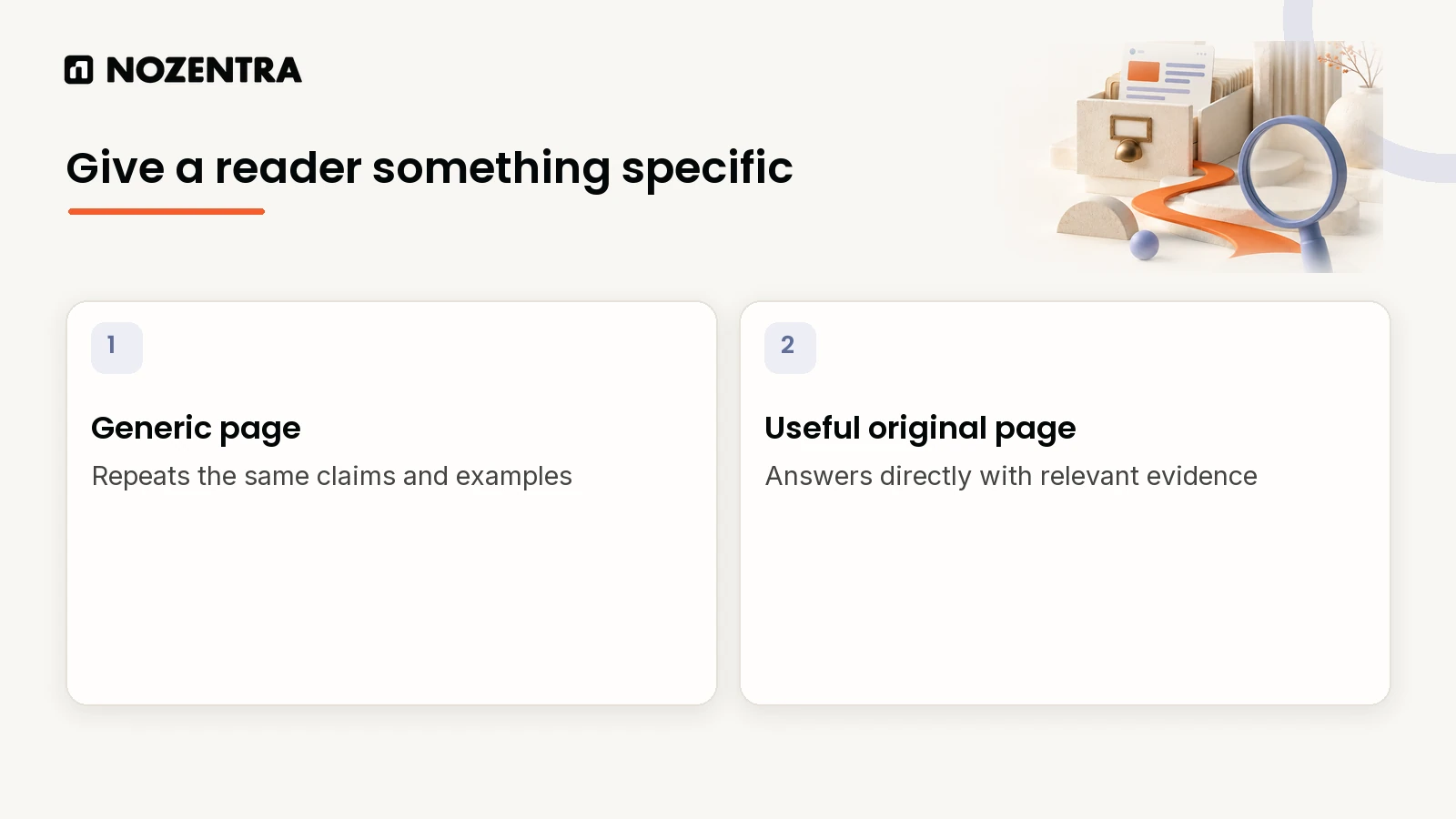
In stage 3 audits, the page is rarely broken. It is accurate but generic: the same order, the same examples and the same advice as everything ranking nearby.
Reordering the page around a direct answer and adding one specific, original example usually helps more than adding sections. That approach is built into how we work. For Druids, a UK ecommerce brand, we fixed crawl, speed and indexing issues first, then mapped every category and product page to real search intent. Over 12 months, ranked keywords grew from 12,800 to 52,300 and organic search became the brand's largest traffic channel.
What should you do next?
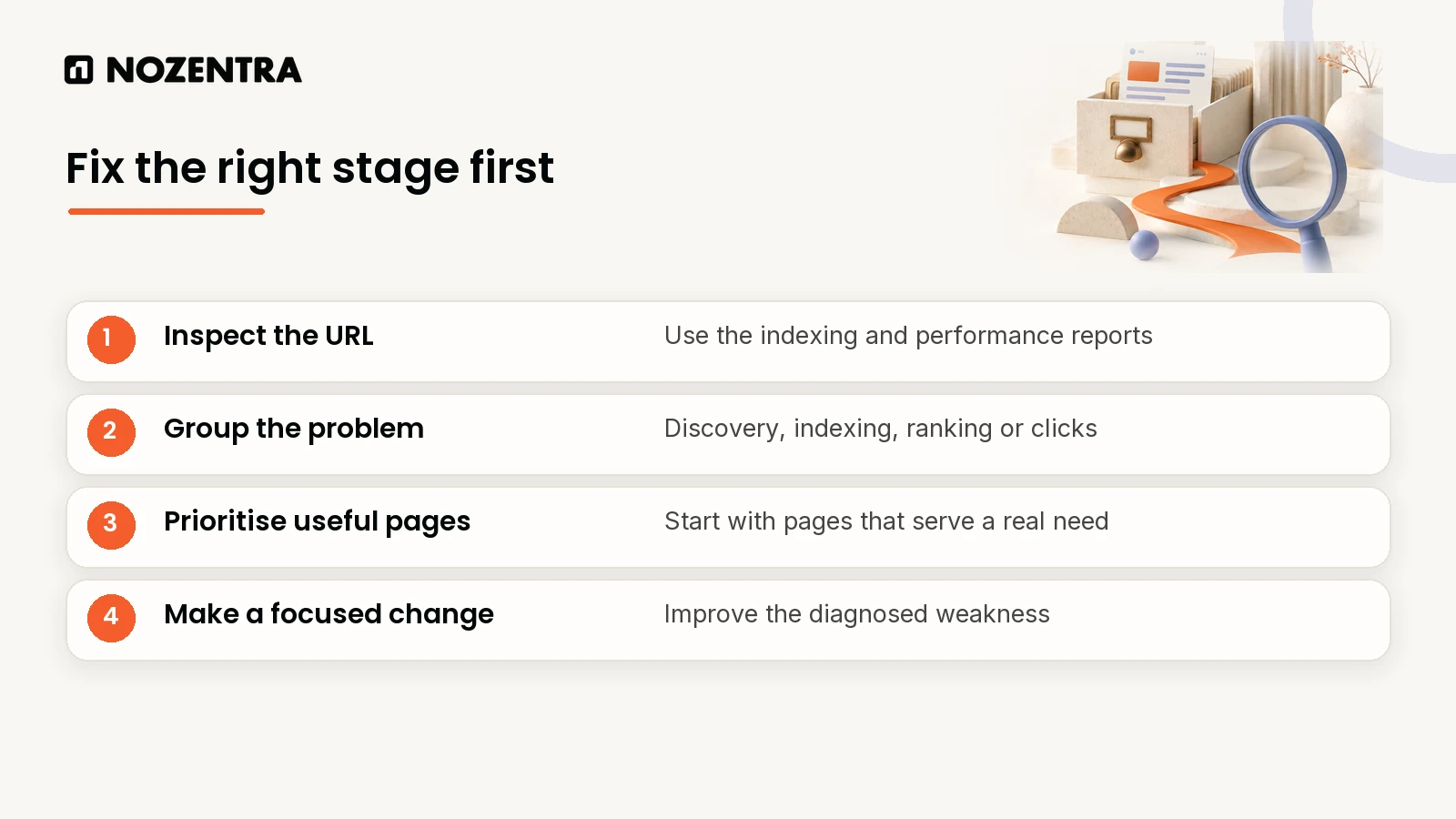
Export the Pages report and sort by indexing status.
Group underperforming pages into the four stages above.
For stage 3 pages, ask whether each one is more useful than the five results above it. If not, fix that first.
Leave technical settings alone unless the diagnosis points to stages 1 or 2.
Give changes time. Confirm with URL Inspection that the page was recrawled before judging the result.
If a ranking drop comes with a conversion drop, read why conversion rates fall when rankings look fine. For a second opinion on which stage your key pages are stuck in, ask us for an audit or see our AI search visibility work.
Frequently asked questions
Do the 2026 updates mean I need to rewrite my whole site?
No. Start with the pages that dropped or stalled, and work through them by stage.
Is E-E-A-T a ranking factor?
Not directly. Google says E-E-A-T "isn't a specific ranking factor", but it uses a mix of signals that identify content with good E-E-A-T.
How long should I wait before deciding a fix did not work?
Several weeks. First confirm in Search Console that Google has recrawled the page, then compare impressions over a comparable period.